The Ultimate Toolkit: 9 Best WordPress PDF Plugins for Seamless Viewing, Security, and Downloads
Are you looking to publish e-books, user guides, digital catalogs, or secure client documents on your WordPress website? If so, you already know that simply linking to a PDF file offers a terrible user experience (UX). It forces your visitor to leave your site, download the file, and view it in an external application—a process that often leads to lost traffic and high bounce rates.
The simple fact is: WordPress doesn’t handle PDFs well by default.
Fortunately, the WordPress ecosystem offers a powerful suite of plugins to solve this problem, transforming static files into interactive, secure, and fully branded elements of your site.
This article is your definitive guide to the 9 Best WordPress PDF Plugins on the market. We’ll break down which plugin is perfect for embedding simple documents, which is best for generating dynamic invoices, and which one will turn your PDFs into engaging, 3D flipbooks.
Ready to enhance your user experience, protect your valuable content, and integrate PDFs seamlessly into your workflow? Let’s dive in!
Why PDF Plugins are Non-Negotiable for Your WordPress Site
A dedicated PDF plugin does much more than just display a file; it is a critical component of a professional website:
- Improved User Experience (UX): It allows users to view, navigate, and zoom into documents right on your page, often without needing to download anything. This keeps them engaged with your content and improves site dwell time.
- Brand Consistency: Customizers allow you to embed viewers or generate documents (like invoices) that perfectly match your brand’s colors and logo.
- Security and Control: Plugins offer features like password protection, watermarking, and the ability to disable the download button, giving you control over sensitive information.
- SEO Benefits: By keeping the PDF content embedded within the page, search engines are better able to crawl the surrounding context, which is always better than relying on external download links.
Now, let’s explore the top tools categorized by their primary function.
Category 1: Best Plugins for Viewing and Embedding
These plugins are designed to make viewing existing PDF files beautiful and functional on your website.
1. PDF Embedder
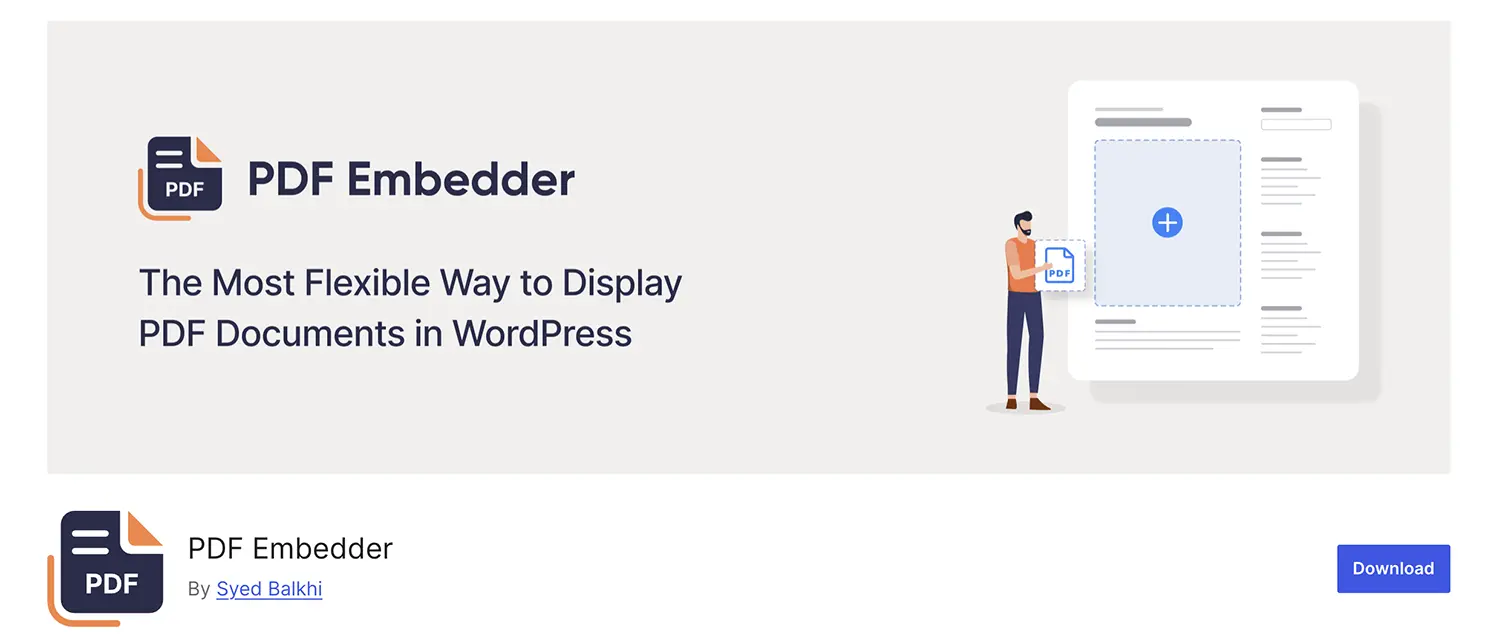
PDF Embedder is a crowd favorite for its straightforward philosophy: make PDF embedding as easy as adding an image. It excels at being lightweight and responsive.
| Key Strengths | Best For | Pricing |
| Effortless Embedding, Automatic Resizing, Mobile Optimization. | Bloggers, businesses, and educators needing a simple, functional viewer for single documents. | Freemium (Pro adds security, continuous scroll, and download tracking.) |
Why it Stands Out:
- Smart Responsiveness: It intelligently resizes the PDF to fit the available space, maintaining perfect aspect ratios without manual coding. On mobile, the Premium version offers a Full-Screen Mode with continuous swiping, drastically improving mobile UX.
- Security Focus (Premium): The Pro version offers features to make it difficult for users to download the original PDF file, protecting your digital assets and discouraging unauthorized sharing.
- Navigation: Provides simple, clean navigation (Next/Previous buttons) and zoom controls for hassle-free reading on any device.
2. dFlip PDF FlipBook WordPress Plugin
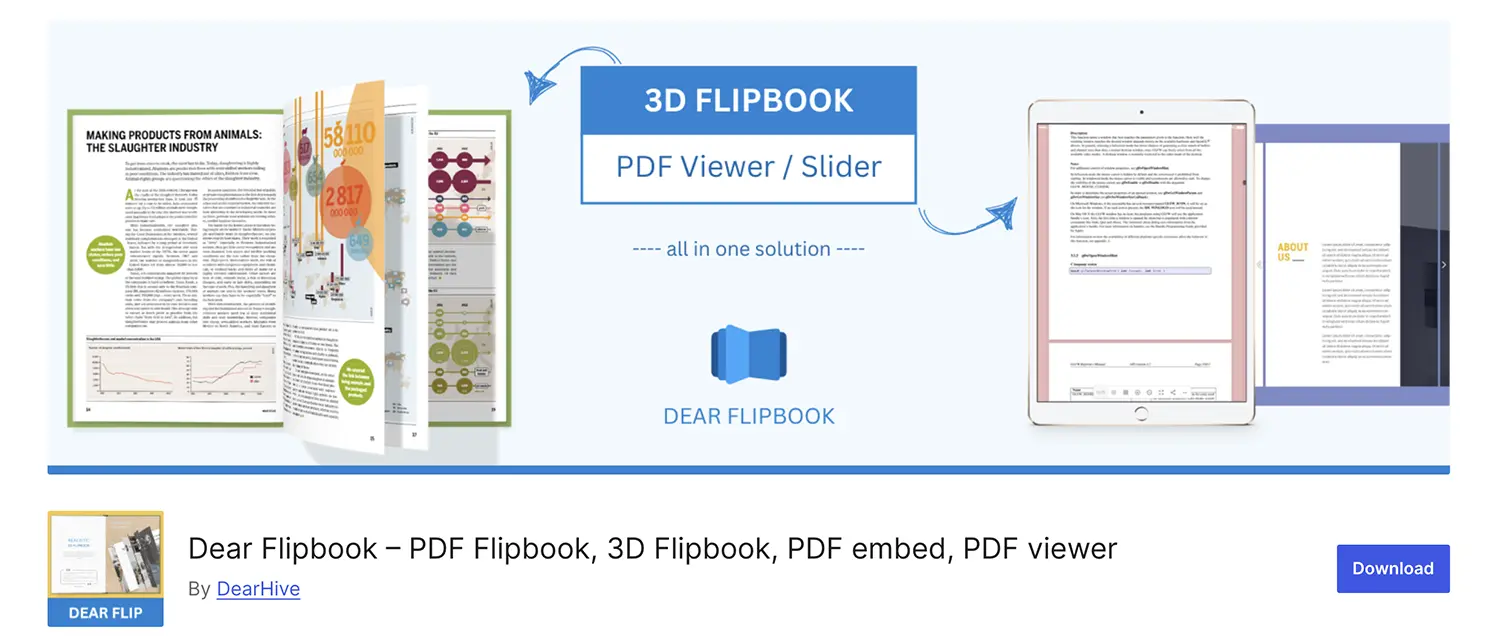
If your content is visual—like magazines, catalogs, or portfolios—why display a flat document? dFlip PDF FlipBook (and similar plugins like DearFlip) transforms standard PDFs into captivating, realistic 3D flipbooks.
| Key Strengths | Best For | Pricing |
| 3D Flipbook Effect, Realistic Page Turning Sound/Animation, Lightbox Mode. | Designers, publishers, e-catalogs, and any site prioritizing user engagement and visual appeal. | Freemium (Premium unlocks advanced features and customization.) |
Why it Stands Out:
- Immersive Experience: The realistic page-flipping animations and sound effects create an immersive experience, closely mimicking a physical book. This increases user dwell time and interest.
- Performance: Utilizes efficient rendering technology (like WebGL for 3D) and often includes partial loading features for large PDFs, ensuring fast performance despite the visual complexity.
- Customization: Offers various themes, customizable toolbars, and the option to use a Lightbox mode to view the document in a pop-up without leaving the page.
Category 2: Best Plugins for Dynamic PDF Generation
These plugins specialize in creating brand-new PDF files automatically based on user actions or internal data.
3. Gravity PDF
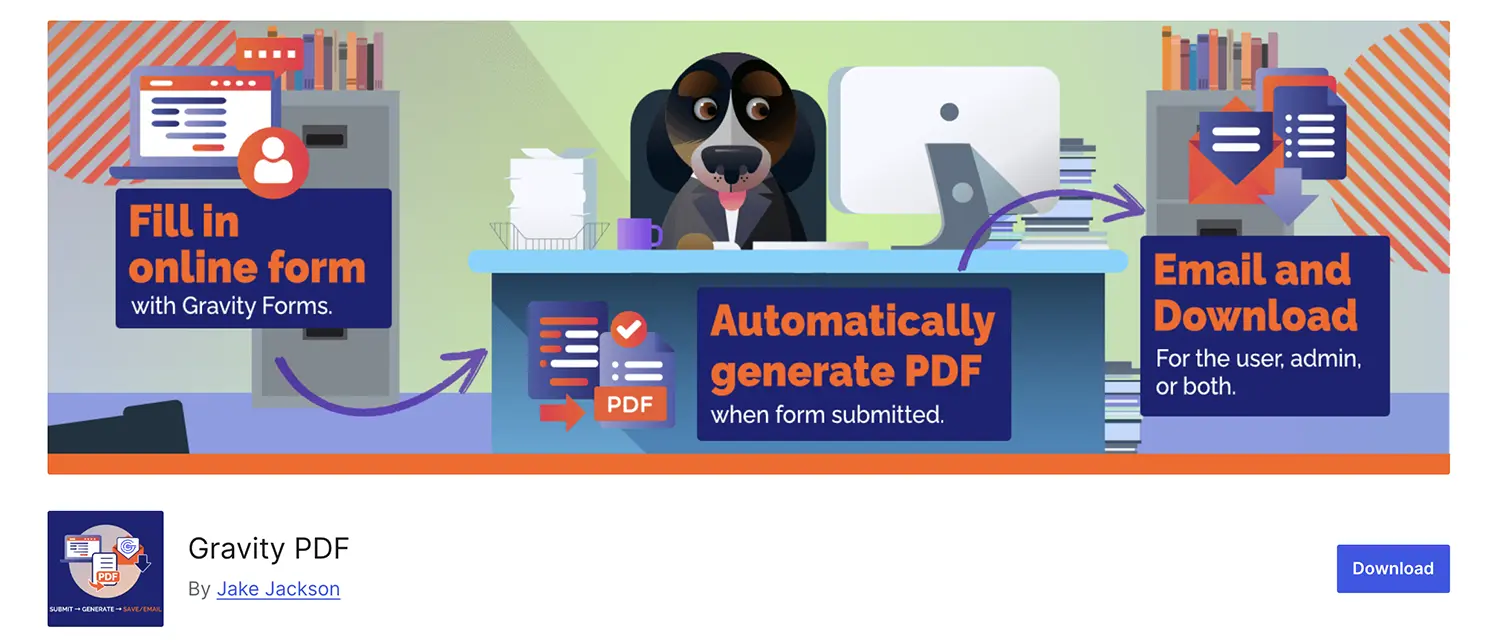
Gravity PDF is the ultimate solution for sites using Gravity Forms. It shines at transforming form submissions, reports, and data into professional, clean PDF documents automatically.
| Key Strengths | Best For | Pricing |
| Auto-Generation from Forms, Custom Templating (HTML/CSS), Security, Multilingual Support. | Membership sites, educational institutions, lead generation, and event registration. | Freemium (Free offers solid basic templates; Premium adds more designs and extensions.) |
Why it Stands Out:
- Automated Workflow: You can set the plugin to automatically email a beautifully designed PDF (e.g., a contract, a personalized report, or a certificate) to the user immediately after they submit a form and/or payment.
- Security: Documents are generated securely on your server, and you can password-protect PDFs or restrict access until payment is complete (perfect for digital goods).
- Customization: Offers beautifully designed, highly customizable templates, allowing you to include your company logo, set custom fonts, and manage all visual aspects.
4. WooCommerce PDF Invoices and Packing Slips
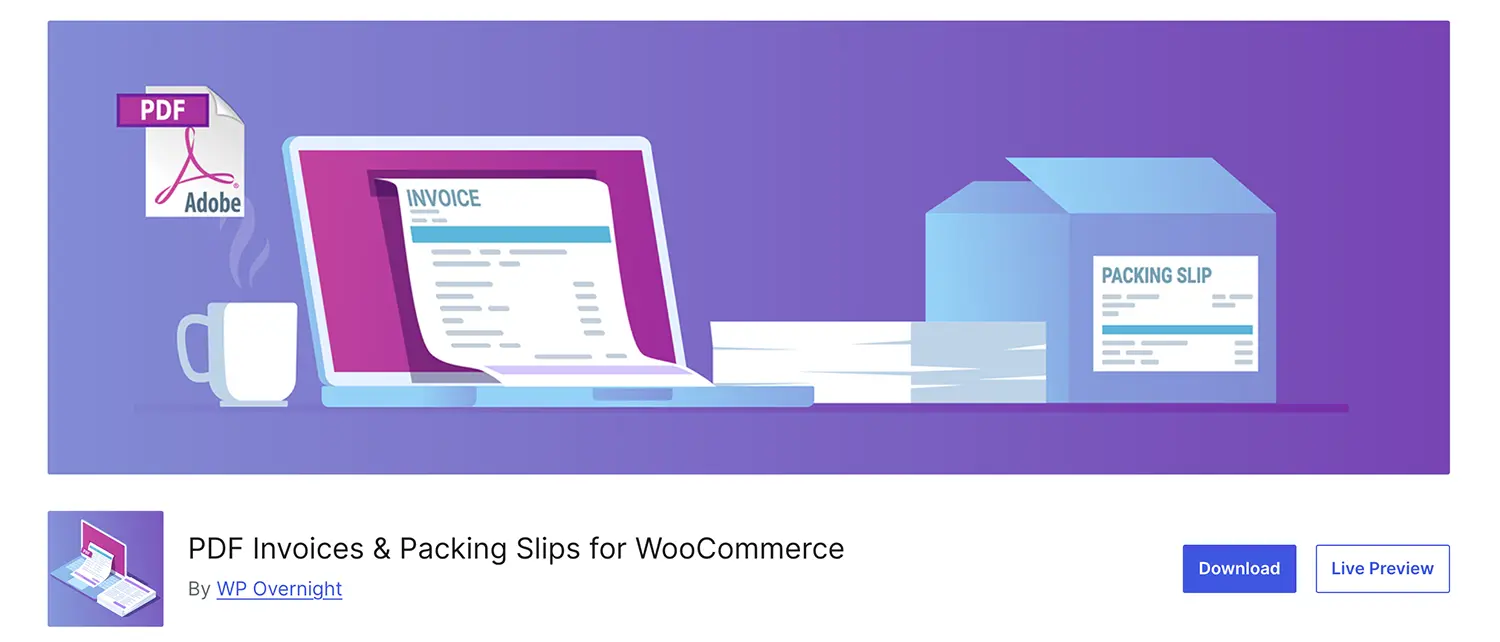
This is a non-negotiable tool for every serious WooCommerce store. It automates the generation of legally compliant, branded invoices and shipping documents.
| Key Strengths | Best For | Pricing |
| Automatic Invoice Generation, Bulk Creation, Customizable Templates, Credit Notes. | All WooCommerce stores, especially those needing legal compliance or efficient order fulfillment. | Freemium (Pro adds advanced sequencing, credit notes, and better templates.) |
Why it Stands Out:
- Professionalism: Automatically attaches a visually stunning, professional PDF invoice to the customer’s order confirmation email.
- Efficiency: Allows for bulk creation and downloading of packing slips, invoices, and credit notes directly from the WooCommerce order screen, streamlining the fulfillment process.
- Legal Compliance: Offers sequential invoice numbering and easy customization of tax details, ensuring your documents meet local legal and accounting requirements.
5. Send PDF For Contact Form 7
For the millions of sites using the Contact Form 7 plugin, this simple solution allows you to attach a customized PDF document to the confirmation email, often based on conditional logic.
- Core Strength: Conditional PDF Email Attachment based on Form Fields. | Best For: Lead magnets, personalized quotes, and simple digital product delivery via forms.
- Why it Stands Out: It extends CF7’s functionality to turn form data into a deliverable PDF or simply attach a generic lead magnet (e.g., a pricing guide) based on the user’s choices.
Category 3: Best Plugins for User-Generated PDFs
These plugins enable your site visitors to create and download a PDF of your existing web content, which is useful for documentation and easy printing.
6. PrintFriendly
PrintFriendly focuses entirely on enhancing the reader experience by giving them a clean, print-ready or PDF-ready version of your content, free of ads, sidebars, and navigation elements.
- Core Strength: One-Click Clean PDF/Print Conversion, Highly Customizable Output. | Best For: Content blogs, recipe sites, and informational resources.
- Why it Stands Out: It automatically cleans up the page before creating the PDF, allowing users to remove images or text blocks they don’t want, resulting in a perfectly legible and ink-saving document. It’s a great UX feature that keeps users happy.
7. WP Advanced PDF
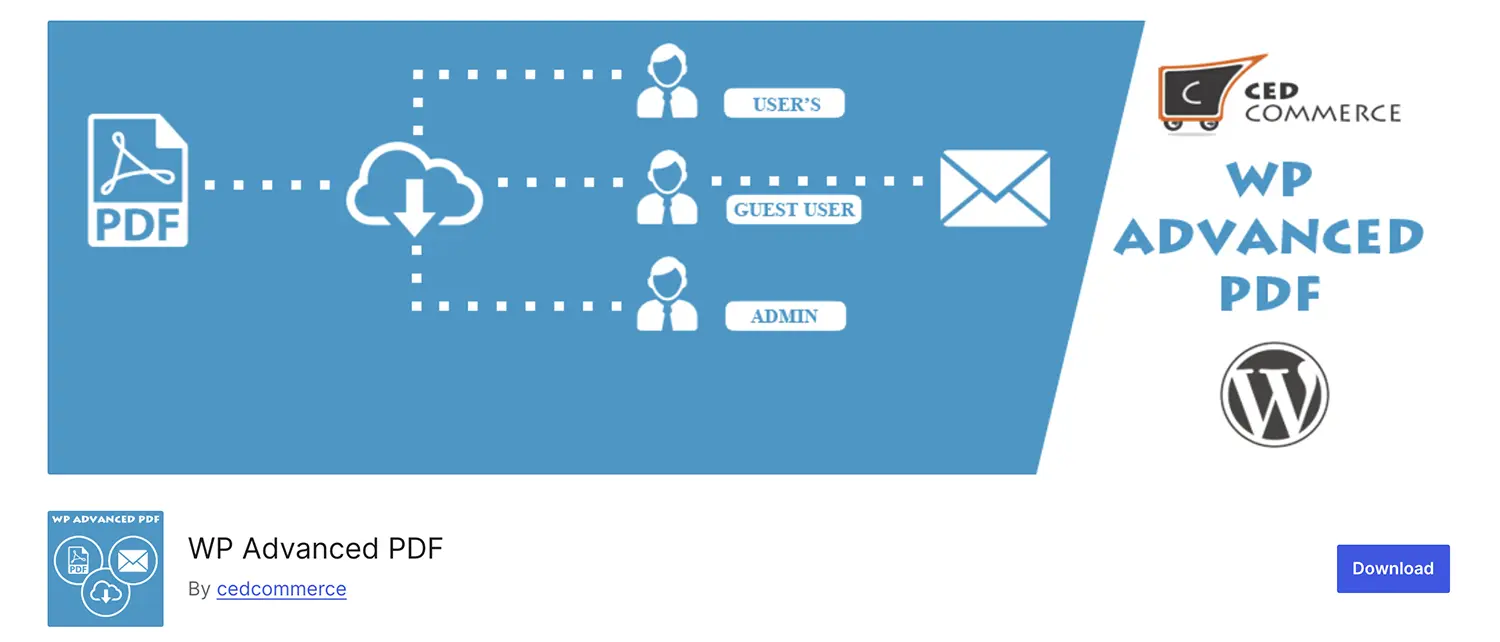
WP Advanced PDF is an excellent option for sites that want to allow content export but need strict control over branding and access.
- Core Strength: Branding (Watermarks, Logo), Font Customization, PDF Export Logging. | Best For: Membership sites, online learning platforms, and knowledge bases with premium content.
- Why it Stands Out: It allows you to limit access to PDF generation to members only, adding a layer of premium control. You can also add custom watermarks (text or image) to protect your intellectual property.
Category 4: The Multi-Purpose and Legacy Solutions
8. PDF Embedder for WordPress (The Classic Viewer)
This plugin (often paired with other form builders) focuses on the core function of displaying a PDF beautifully with standard navigation tools. It is known for its stability and developer-friendly documentation.
9. PDF & Print by BestWebSoft
PDF & Print offers an incredibly user-friendly set of settings to add a PDF creation and print button to your posts, pages, and even widgets.
- Core Strength: Easy Button Placement, RTL Support, Simple Settings Panel. | Best For: Users wanting a simple, localized solution for content export.
- Why it Stands Out: It provides easy-to-use localization settings, supporting various languages including RTL (Right-to-Left) languages, making it globally versatile for basic export needs.
Final Verdict: Choosing the Right PDF Solution for Your Site
| Your Primary Goal | Top Recommendation | Why? |
| Best All-Round Viewer & Security | PDF Embedder (Premium) | Simple embedding, smart responsiveness, and content protection features are industry-leading. |
| Automated Document Generation | Gravity PDF | Unmatched power for generating branded invoices, contracts, or certificates directly from form data (requires Gravity Forms). |
| E-commerce Operations | WooCommerce PDF Invoices… | Essential for streamlining order fulfillment and creating professional, legally compliant transactional documents. |
| Maximum User Engagement (Visuals) | dFlip PDF FlipBook | Transforms static files into engaging 3D catalogs and magazines, significantly boosting user dwell time. |
| Content Export/User Convenience | PrintFriendly | Gives readers exactly what they want: a clean, customizable, ad-free PDF of your content instantly. |
By selecting the right PDF plugin, you move beyond the limitations of default WordPress and turn your documents into powerful, branded, and secure assets that ultimately enhance your customers’ experience and solidify your brand’s professionalism.
Share Post: