The 11 Must-Have WordPress Plugins for 2026
So, you’ve just launched your WordPress website. Congratulations! You have your domain, your hosting is set up, and that “Hello World” post is staring back at you.
Now comes the fun part—but also the confusing part.
You want to add features. You want your site to be fast, secure, and easy to find on Google. You head to the WordPress plugin repository, and you are greeted by over 60,000 different plugins.
It’s overwhelming, right? Which ones are safe? Which ones will slow down your site? Which ones do you actually need?
Think of WordPress like a brand-new smartphone. Out of the box, it makes calls and sends texts. But to make it truly yours—to check your email, navigate traffic, or listen to music—you need apps. Plugins are the apps for your website.
But here is the golden rule of WordPress: Less is more. Installing too many low-quality plugins is the fastest way to break your site.
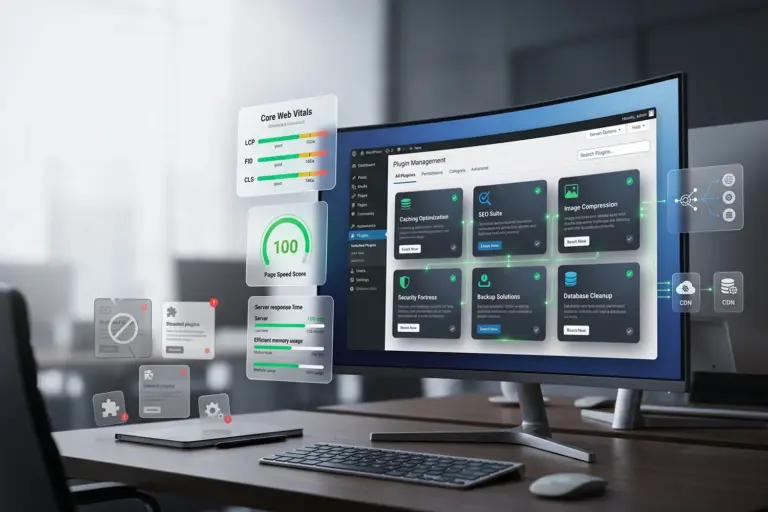
To save you time, stress, and broken code, we have curated the definitive list of the 11 Must-Have WordPress Plugins for 2025. We’ve categorized them by function so you understand exactly why you need them.
Let’s build your digital masterpiece.
Part 1: The Guardians (Security & Backup)
Before you worry about design or traffic, you must secure your digital property. The internet is a wild place, and these plugins are the locks on your doors.
1. Wordfence Security

You might think, “My site is small, hackers won’t target me.” Unfortunately, that’s a myth. Hackers use automated bots to attack every WordPress site they can find, regardless of size.
Wordfence is the most popular and robust security plugin in the world. It acts as a firewall, standing between your website and the rest of the internet.
- Why you need it: It blocks malicious traffic, scans your files for malware, and limits login attempts to stop “brute force” attacks (where bots guess your password millions of times).
- The Best Part: The free version is incredibly powerful and includes a “Live Traffic” view where you can see bots being blocked in real-time. It’s deeply satisfying.
2. UpdraftPlus

Imagine waking up tomorrow and your website is gone. Maybe a hacker got in, maybe an update broke everything, or maybe you accidentally deleted the wrong file. It happens.
UpdraftPlus is your insurance policy. It is the world’s most trusted backup plugin.
- Why you need it: It allows you to schedule automatic backups of your entire site (files and database).
- The Best Part: It doesn’t just save the backup on your server (which is risky). It automatically sends your backup files to remote cloud storage like Google Drive, Dropbox, or Amazon S3. If your site crashes, you can restore it with one click.
Part 2: The Growth Engine (SEO & Analytics)
A beautiful website is useless if nobody can find it. These tools help you talk to Google and understand your visitors.
3. Rank Math SEO
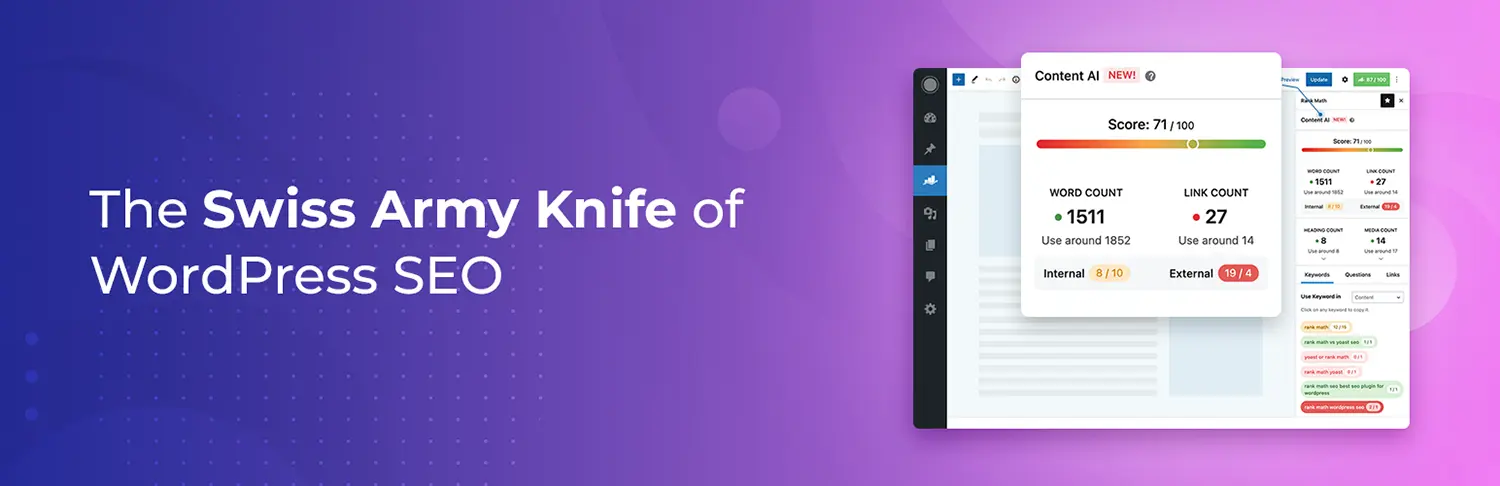
For years, Yoast SEO was the king. But in 2025, Rank Math has taken the crown as the best SEO plugin for most users. It is lighter, faster, and offers more free features than its competitors.
- Why you need it: WordPress is SEO-friendly out of the box, but Rank Math supercharges it. It helps you optimize your blog posts by telling you exactly where to put your keywords. It also handles technical stuff like XML Sitemaps and Schema Markup automatically.
- The Best Part: It gives you a score out of 100 for every post you write. It turns SEO into a game—get a green score, and you know you’re ready to rank!
4. Site Kit by Google
You need to know how many people are visiting your site and what they are doing. Traditionally, connecting Google Analytics to WordPress was a pain.
Site Kit is the official plugin from Google. It connects your site to Google Analytics, Google Search Console, AdSense, and PageSpeed Insights with just a few clicks.
- Why you need it: You can see your key stats (visitors, clicks, popular pages) directly inside your WordPress dashboard. You don’t need to leave your site to check your traffic.
Part 3: The Speed Demons (Performance)
Google hates slow websites. Users hate slow websites. If your site takes more than 3 seconds to load, people will leave. These plugins make you fly.
5. WP Rocket
This is a “choose your own adventure” section.
- If you have a budget: Get WP Rocket. It is the absolute best caching plugin on the market. You install it, turn it on, and your site instantly becomes faster. It handles complex tasks like page caching, file compression, and lazy loading automatically.
- If you want a free option: Get LiteSpeed Cache (if your host supports it) or W3 Total Cache. They require a bit more setup than WP Rocket, but they are incredibly powerful tools that make your site load lightning-fast.
6. Smush
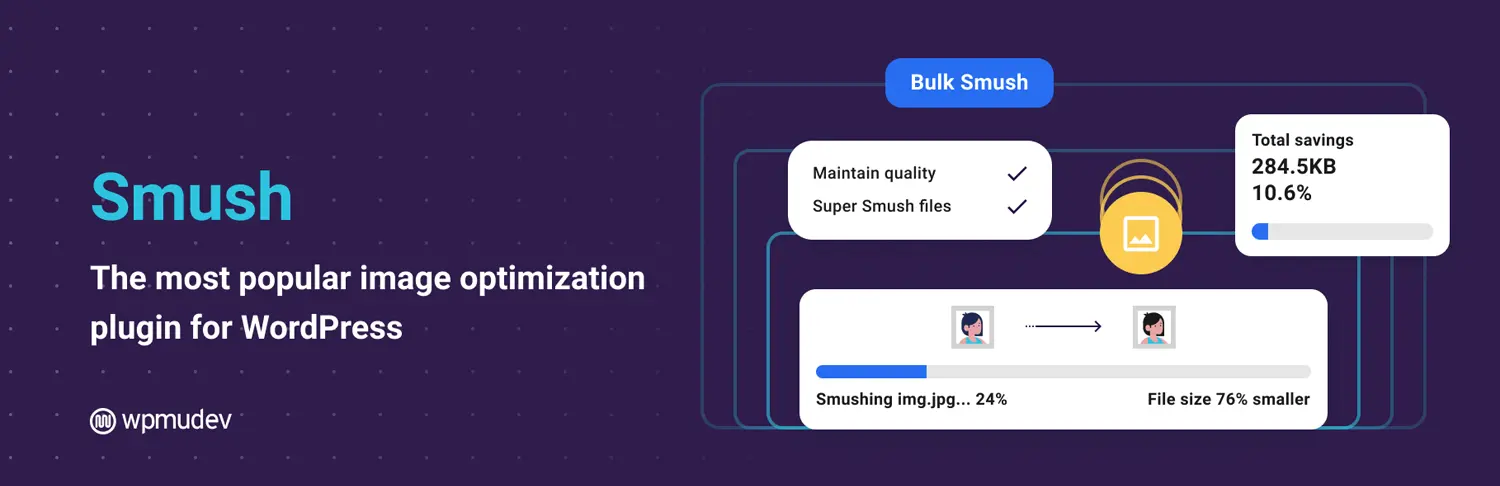
High-quality images make a site look great, but they are also the #1 cause of slow loading speeds. Uploading a massive 5MB photo from your camera to your website is a recipe for disaster.
Smush automatically compresses and optimizes every image you upload without losing visible quality.
- Why you need it: It strips away hidden, bulky data from your image files and resizes them.
- The Best Part: It has a “Lazy Load” feature. This means images at the bottom of your page won’t load until the user actually scrolls down to them, making the initial page load much faster.
Part 4: The User Experience (Design & Function)
Now that your site is safe, found, and fast, let’s make it usable and beautiful.
7. WPForms
You need a way for people to contact you. Putting your email address directly on your page is a bad idea (unless you love spam emails). You need a contact form.
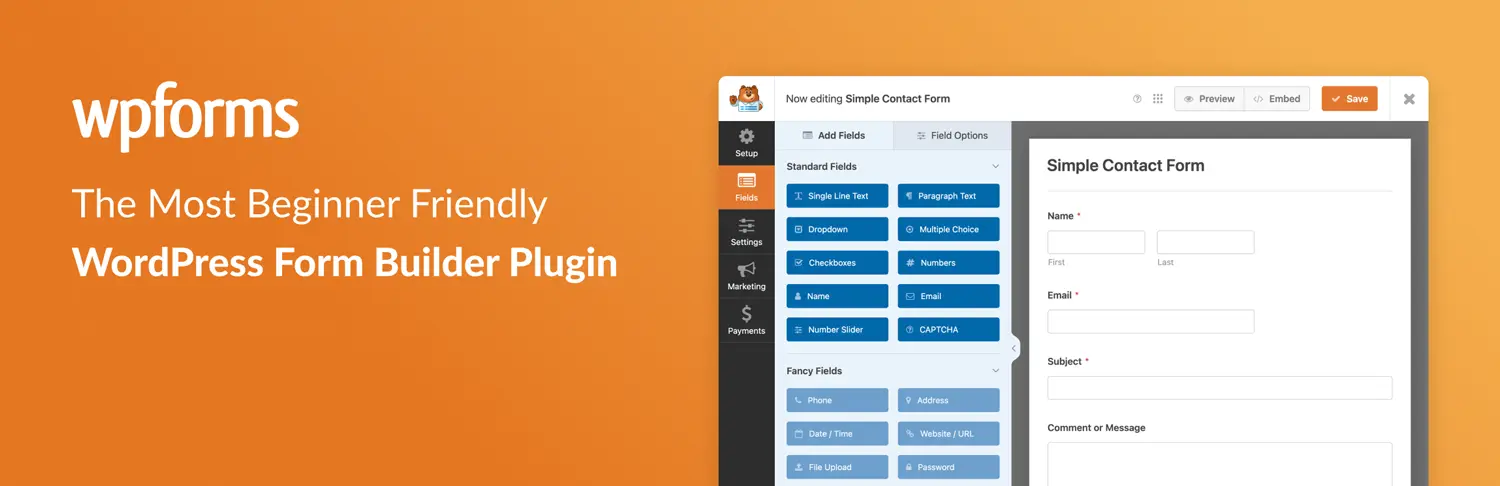
WPForms is the most beginner-friendly contact form plugin in existence.
- Why you need it: It uses a simple drag-and-drop builder. You can create a “Contact Us” form, a payment form, or a newsletter signup form in minutes, with zero coding.
- The Best Part: The “Lite” (free) version is perfect for 90% of websites.
8. Elementor
If you find the default WordPress editor a bit limiting, you aren’t alone.
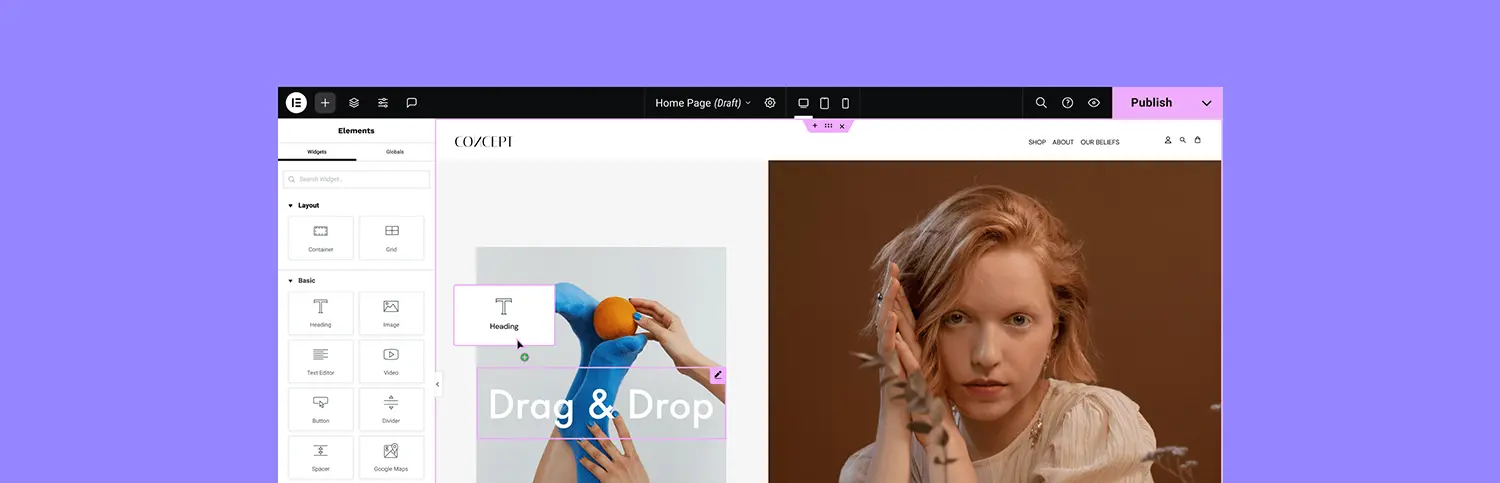
Elementor is a “Page Builder” that lets you design your website visually. It replaces the standard editor with a system where you can drag and drop elements (images, text, buttons, videos) exactly where you want them.
- Why you need it: It allows you to create professional, custom layouts that look like they cost thousands of dollars to design. You can see your changes in real-time as you make them.
Part 5: The Utilities (The Unsung Heroes)
These are the plugins you might not think about, but you will definitely need.
9. Akismet Anti-Spam

Spam comments are the cockroaches of the internet. Once your site gets a little traffic, your comment section will be flooded with bots trying to sell shady products.
Akismet comes pre-installed with WordPress for a reason. It checks every comment against a massive global database of spam.
- Why you need it: It silently filters out the junk so you don’t have to. It saves you hours of manual moderation.
10. Redirection

As your site grows, you might change a URL or delete an old post. If someone clicks a link to that old page, they get a “404 Error – Page Not Found.” This is bad for users and bad for Google.
Redirection allows you to easily manage “301 redirects.”
- Why you need it: It tells the browser, “Hey, the page you are looking for has moved here.” It automatically tracks 404 errors so you can fix broken links you didn’t even know existed.
11. WooCommerce
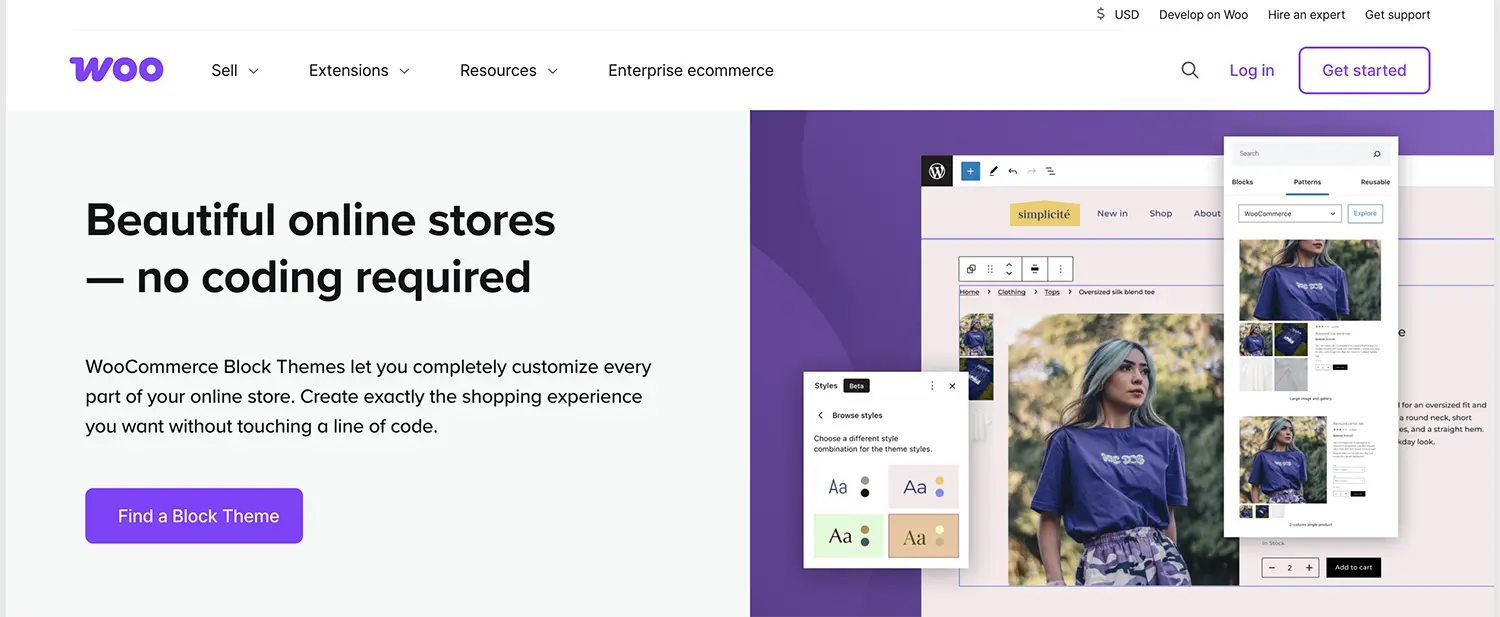
Okay, this one is only if you plan to sell something. But if you do, there is no other choice.
WooCommerce transforms your WordPress blog into a fully functional e-commerce store.
- Why you need it: It powers millions of stores worldwide. It handles products, inventory, payments, shipping, and taxes. It is the industry standard for selling online with WordPress.
Conclusion: A Final Word of Advice
Building a WordPress site is an exciting journey. By installing these 11 plugins, you are giving your website a rock-solid foundation for success in 2026.
However, remember this: Maintenance is key.
- Keep them updated: Outdated plugins are a security risk. Check for updates weekly.
- Delete what you don’t use: If you deactivate a plugin, delete it. Don’t let old code sit on your server.
Now, go install these tools, create something amazing, and let the world see what you have to offer!
Share Post: