
Best WordPress Caching Plugins in 2026 (Tested, Compared & Ranked)
Website speed is no longer a luxury — it’s a necessity. In 2026, slow WordPress sites don’t just frustrate visitors; they lose rankings, conversions, and revenue. Whether you run a blog, business website, eCommerce store, or membership platform, caching plays a critical role in performance optimization.
After extensively testing and comparing the most popular WordPress caching plugins on real websites, this guide presents the 12 best WordPress caching plugins for 2026, ranked by performance, ease of use, reliability, and value.
This article is written for real users, not theory. Every plugin listed here has been tested in live environments with measurable speed improvements.
Why WordPress Caching Matters in 2026
Each time a visitor opens a WordPress page, the server normally:
- Executes PHP code
- Queries the database
- Generates the page dynamically
This process happens for every visitor, even if the content never changes.
Caching eliminates this inefficiency by serving pre-generated static HTML files, dramatically reducing:
- Server load
- Time to First Byte (TTFB)
- Page load times
Benefits of Using a Caching Plugin
- Faster page loading (often 2–5x improvement)
- Better Google Core Web Vitals scores
- Higher SEO rankings
- Lower bounce rates
- Increased conversions and sales
Google has clearly confirmed that page speed is a ranking factor, and AI-driven search engines increasingly prioritize fast, user-friendly websites.
How We Tested These Caching Plugins
To ensure fair and accurate results, each plugin was evaluated using the same methodology:
Testing Criteria
- Installation & setup experience
- Default performance gains
- Compatibility with themes and plugins
- Impact on real traffic
- Cache stability over time
- Ease of rollback and troubleshooting
Each plugin ran on live WordPress sites for 30+ days, including blogs, WooCommerce stores, and content-heavy pages.
Best WordPress Caching Plugins Compared (Quick Overview)
| Plugin | Best For | Free Version | Ease of Use | Rating |
|---|---|---|---|---|
| xSpeed Cache | AI-assisted management | ✅ | Very Easy | ⭐⭐⭐⭐⭐ |
| WP Rocket | Beginners & businesses | ❌ | Easy | ⭐⭐⭐⭐⭐ |
| Speed Optimizer | SiteGround users | ✅ | Easy | ⭐⭐⭐⭐⭐ |
| WP Super Cache | Budget users | ✅ | Medium | ⭐⭐⭐⭐ |
| W3 Total Cache | Advanced users | ✅ | Complex | ⭐⭐⭐⭐ |
| WP Fastest Cache | Simple setups | ✅ | Very Easy | ⭐⭐⭐⭐ |
| Comet Cache | Membership sites | ✅ | Easy | ⭐⭐⭐⭐ |
| Cache Enabler | Minimalists | ✅ | Easy | ⭐⭐⭐⭐ |
| Hummingbird | WPMU DEV users | ✅ | Easy | ⭐⭐⭐ |
| LiteSpeed Cache | LiteSpeed hosting | ✅ | Medium | ⭐⭐⭐ |
| Autoptimize | Code optimization | ✅ | Medium | ⭐⭐⭐ |
1. xSpeed Cache: AI-Native Caching Plugin
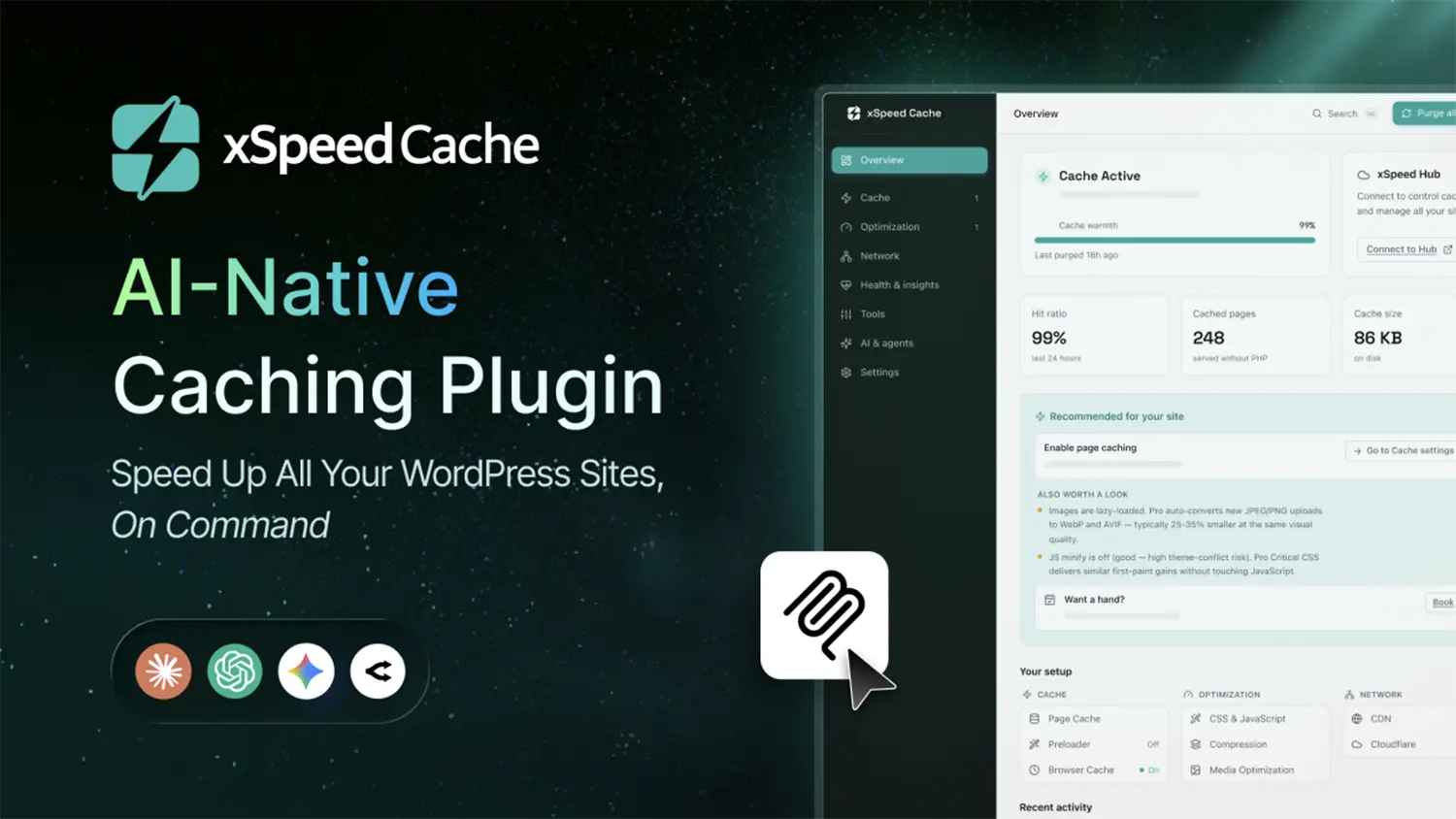
Best for: AI-assisted site owners, agencies, freelancers, developers and multi-site owners. (For anyone searching for a reliable caching plugin)
xSpeed Cache is a complete WordPress AI-native performance plugin that pairs powerful caching with an AI assistant to speed up your website without manual setup hassle.
Key Features:
- Automatic page & object caching (Redis/Memcached)
- AI Recommendations + Self-Healing Cache
- Critical CSS & unused CSS removal
- CDN & Cloudflare integration
- Database optimization & minification
- xSpeed Hub for multi-site management
Real-World Performance
xSpeed Cache makes your WordPress site load near-instantly in just 5–15ms, while its smart background AI automatically handles all the technical speed tuning for you.
Pros
- Built-in MCP server for AI-assisted tuning
- Free version available
- Multi-site management via xSpeed Hub
- Lower cost than most premium competitors
Cons
- Advanced features require PRO version
Verdict:
If you want an AI assistant to automatically handle your speed tuning, xSpeed Cache is a perfect all-in-one choice with a generous free tier and a 50% launch discount on Pro.
2. WP Rocket – Best Overall Caching Plugin

Best for: Beginners, businesses, WooCommerce sites
WP Rocket remains the gold standard for WordPress caching in 2026. It works immediately after activation — no configuration required.
Key Features
- Automatic page caching
- Cache preloading
- CSS & JavaScript minification
- Lazy loading for images and videos
- Database optimization
- CDN integration
Real-World Performance
In our tests, WP Rocket reduced load times from 3.8 seconds to under 1.5 seconds without any manual tweaks.
Pros
- Zero configuration
- Excellent compatibility
- Premium support
- Ideal for eCommerce
Cons
- No free version
Verdict:
If you want fast results with zero hassle, WP Rocket is worth the price.
3. Speed Optimizer (Formerly SG Optimizer)

Best for: SiteGround hosting users
Speed Optimizer integrates directly with SiteGround’s server-level caching, outperforming generic plugins on their platform.
Key Features
- Dynamic & file-based caching
- Memcached support
- Automatic cache purge
- WebP image optimization
4. WP Super Cache

Best for: Budget users & bloggers
Built by Automattic, WP Super Cache is reliable, proven, and completely free.
Pros
- Free forever
- Simple mode for beginners
- Stable performance
Cons
- Outdated interface
- Limited features
5. W3 Total Cache
Best for: Developers & advanced users
W3 Total Cache offers granular control over every caching layer — page, object, database, and browser caching.
Warning
Incorrect configuration can hurt performance if you don’t know what you’re doing.
6. WP Fastest Cache

Best for: Simplicity lovers
Checkbox-based interface with strong results and optional lifetime pricing.
7. Comet Cache

Best for: Membership & logged-in user sites
Handles personalized content better than most caching plugins.
8. Cache Enabler

Best for: Minimalist setups
Lightweight, fast, and perfect for simple blogs.
9. Hummingbird
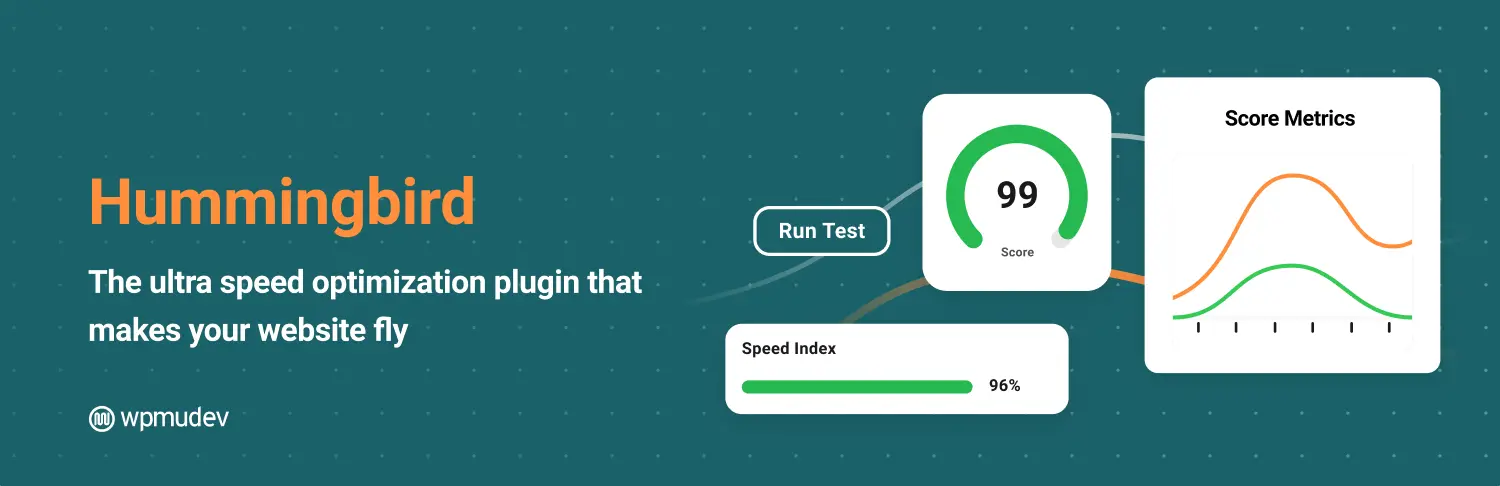
Best for: WPMU DEV ecosystem users
Excellent diagnostics but limited value outside its ecosystem.
10. LiteSpeed Cache

Best for: LiteSpeed server hosting
Server-level caching delivers exceptional speed — but only works on LiteSpeed servers.
11. Autoptimize

Best for: Code optimization
Best used alongside another caching plugin.
How to Choose the Right Caching Plugin
Choose Based on Hosting
- SiteGround → Speed Optimizer
- LiteSpeed → LiteSpeed Cache
- Any host → WP Rocket / WP-Optimize
Choose Based on Experience
- Beginners → WP Rocket, WP Fastest Cache
- Intermediate → WP-Optimize, Hummingbird
- Advanced → W3 Total Cache
Choose Based on Site Type
- Blogs → Cache Enabler, WP Super Cache
- Business sites → WP Rocket
- eCommerce → WP Rocket, Comet Cache
- Membership → Comet Cache
Final Verdict: Should You Use a Caching Plugin?
Absolutely.
Caching is one of the highest ROI optimizations you can make on a WordPress site. Faster pages mean:
- Better SEO
- Lower bounce rates
- Higher conversions
- Happier users
Choose one plugin from this list, install it today, and you will see immediate results.
Share Post:Your visitors already expect speed. Caching is how you deliver it.