

5 Best WordPress Contact Form Plugins (2026 Comparison)
So, you’ve built your website. It looks great, the content is flowing, but there is one missing piece of the puzzle: How do your visitors actually talk to you?
Whether you need a simple “Contact Us” page, a complex payment form, or a user registration system, you need a WordPress contact form plugin.
But here is the problem: A search for “contact form” in WordPress yields thousands of results. Some are free but buggy; others are powerful but cost a fortune.
We have done the heavy lifting for you. We tested the most popular plugins on the market to bring you the definitive list of the 5 best WordPress contact form plugins for every type of user.
Each plugin featured here is tested using our real-world methodology to ensure fair and consistent results.
We focus on real performance impact, ease of use, and practical compatibility — so you can make decisions based on data, not hype.
Each plugin featured here is tested using our real-world methodology to ensure fair and consistent results.
We focus on real performance impact, ease of use, and practical compatibility — so you can make decisions based on data, not hype.
Let’s find the perfect one for you!
Quick Summary: Which One Should You Pick?
Don’t have time to read the full breakdown? No problem.
Choosing a plugin isn’t just about “which is the best”—it’s about “which is the best for YOU.” We have categorized our top recommendations based on specific user needs to help you decide instantly.
- The “Zero Budget” Choice: If you absolutely cannot spend money but need to accept payments (Stripe/PayPal), choose Forminator. It gives away features that others charge for.
- The “Just Make It Work” Choice : If you want a form that looks professional immediately and requires zero technical skills, choose WPForms. It offers the smoothest user experience on the market.
- The “Smart Spender” Choice (Best Value & Speed): If you want the most features (like conditional logic) without paying premium prices, and you care about website loading speed, choose Fluent Forms. It is lightweight and incredibly generous with its free version.
- The “Power User” Choice (Best for Developers): If you are building a complex system (like a job board or intricate order forms) and need rock-solid reliability, Gravity Forms is the industry standard.
Here is a side-by-side comparison for a quick glance:
| Plugin Name | Best For… | Price |
| 1. Forminator | Best 100% Free Option | Freemium |
| 2. WPForms | Ease of Use | Freemium |
| 3. Fluent Forms | Best Value (Speed + Features) | Freemium |
| 4. Gravity Forms | Developers & Complex Logic | Paid Only |
| 4. Formidable Forms | Calculators & Data Apps | Freemium |
1. Forminator (The Free Feature King)
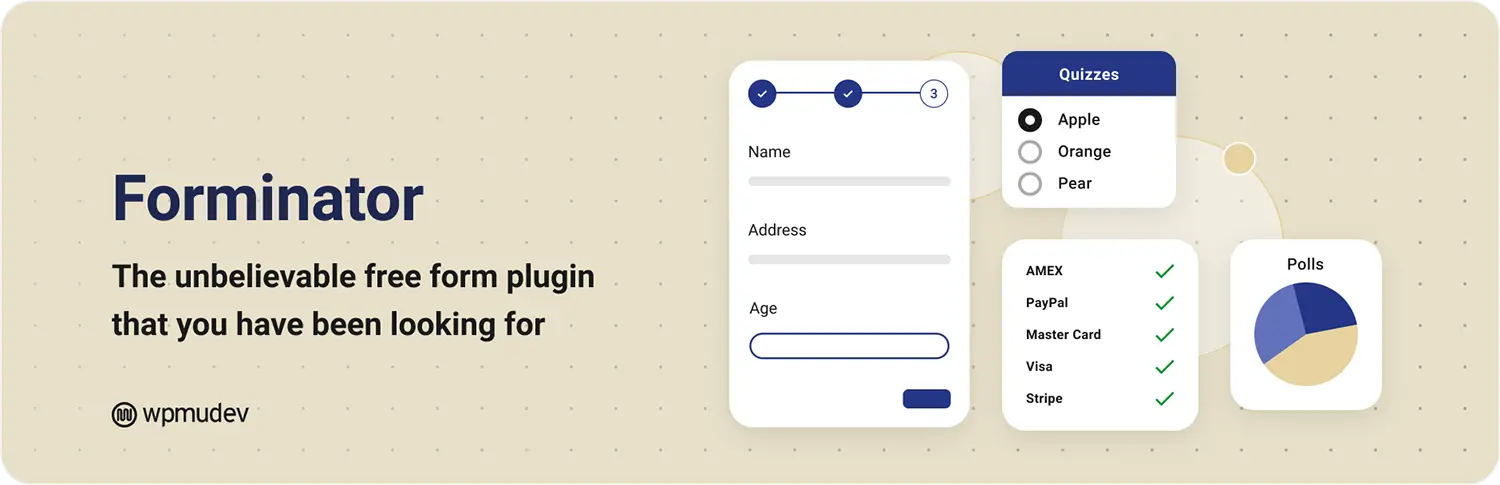
Created by the team at WPMU DEV, Forminator is arguably the best free option on the repository if you need advanced features without spending a dime.
- Why we love it: The free version includes payment integration (Stripe/PayPal), quizzes, and polls. Most other plugins force you to upgrade for payment buttons; Forminator gives it to you for free.
- The Catch: The interface is very unique—it doesn’t look like the standard WordPress UI. It takes a few minutes to get used to the styling options.
- Best For: Users with a $0 budget who still need to take payments or run quizzes.
2. WPForms
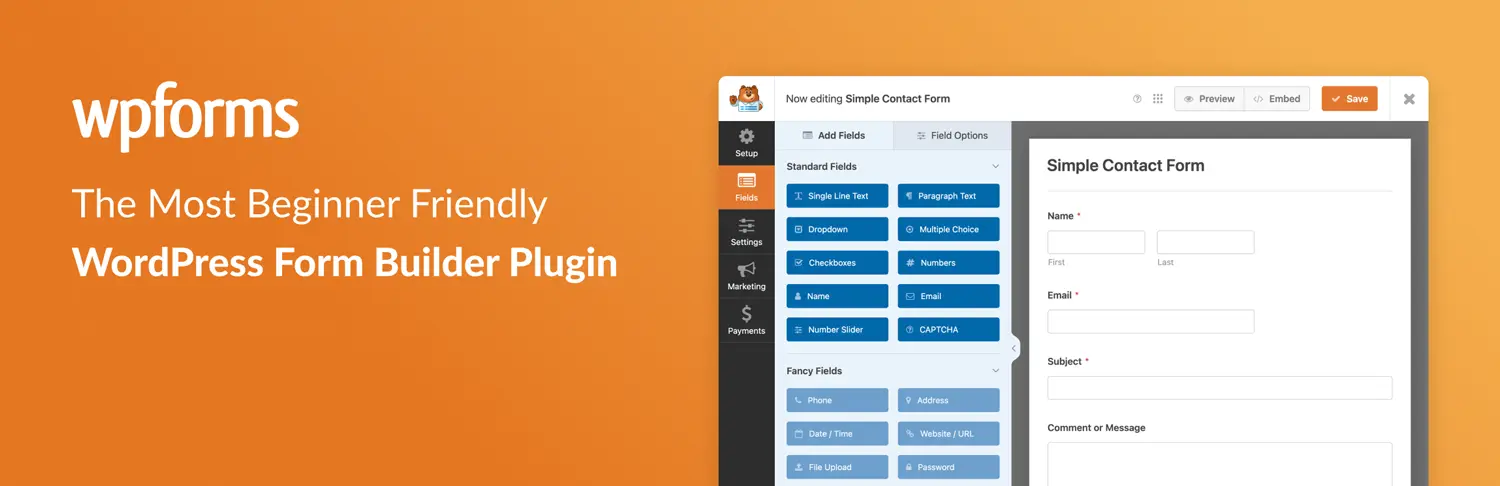
If you have never written a line of code in your life and just want a form that works, WPForms is the gold standard. It is currently used by over 6 million websites, and for good reason.
- Why we love it: The interface is incredibly intuitive. It feels like the “iPhone” of form builders—everything is exactly where you expect it to be. The drag-and-drop builder is smooth, and it comes with tons of pre-made templates so you don’t have to start from scratch.
- The Catch: The free version (WPForms Lite) is great for basic emails, but if you want to save entries to your database or accept payments, you’ll need to upgrade to the Pro version, which can get pricey.
- Best For: Bloggers, small business owners, and non-techies.
3. Fluent Forms

Fluent Forms is the rising star that has taken the WordPress community by storm. It is lightweight, incredibly fast (which Google loves for SEO), and offers features in its free version that others charge for.
- Why we love it: It is generous. Features like “Conditional Logic” (e.g., Show this field only if the user clicks ‘Yes’), which are usually expensive upgrades in other plugins, are standard here. Plus, it loads very little code, keeping your site fast.
- The Catch: It doesn’t have as massive of an integration library as Gravity Forms, though it connects to all the major tools (MailChimp, Slack, etc.).
- Best For: Performance junkies and users looking for the best “bang for their buck.”
4. Gravity Forms
If WPForms is the iPhone, Gravity Forms is a high-end Linux computer. It is the oldest and most mature player in the premium space. It is not just a form plugin; it is a full data-management tool.
- Why we love it: The ecosystem is unmatched. You can use it to build full job boards, user directories, or complex quizzes. The support is top-tier, and there is an add-on for literally everything.
- The Catch: There is no free version. You have to pay to play. Also, the interface, while powerful, feels a bit more “utility” than “design” compared to modern competitors.
- Best For: Agencies, developers, and enterprises building complex workflows.
5. Formidable Forms
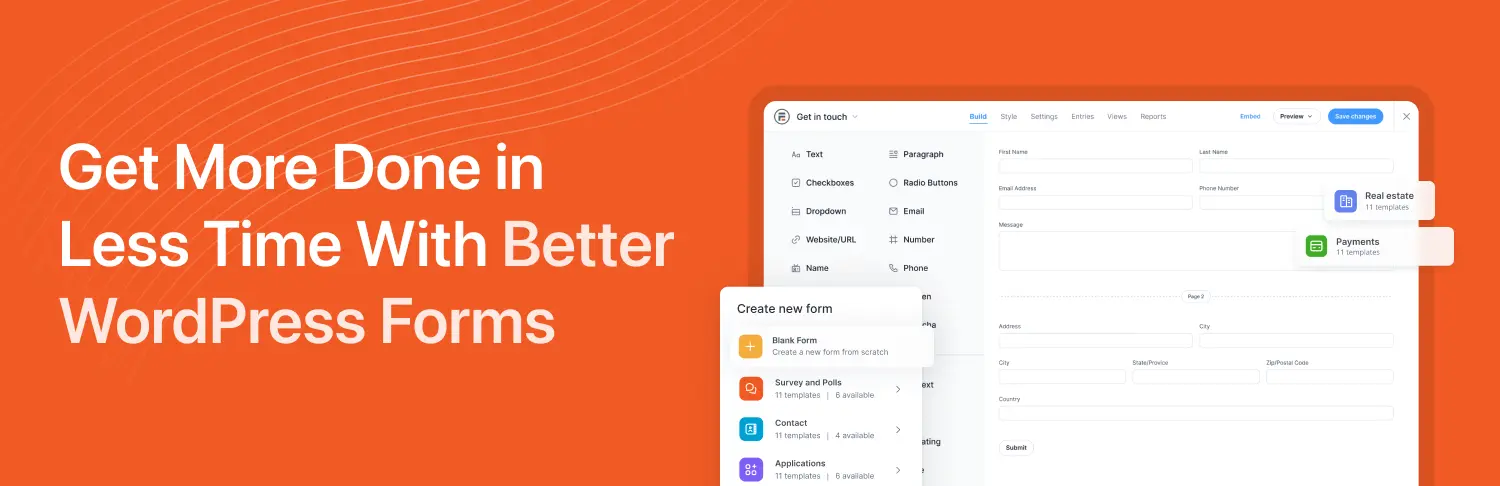
Do you want to collect data and then display it on your website? For example, a real estate listing submission, a directory, or a BMI calculator? Formidable Forms is the specialist for this.
- Why we love it: Its “Views” feature allows you to turn form data into web pages. You can create a form where people rate a movie, and then automatically display a “Top Rated Movies” list on your site based on those submissions.
- The Catch: It has a steeper learning curve. If you just need a simple contact form, this is overkill.
- Best For: Directory sites, review sites, and calculator tools.
Buying Guide: What Matters Most?
When choosing your plugin, ignore the flashy marketing and ask yourself these three questions:
- Do I need Conditional Logic? (e.g., “If user selects A, show Question B”).
- If Yes: Fluent Forms (Free) or Gravity Forms (Paid) are your best bets.
- Do I need to accept payments?
- If Yes: Forminator allows this for free. WPForms makes it easiest but requires a paid license.
- Is site speed my #1 priority?
- If Yes: Go with Fluent Forms. It is the most lightweight code-wise.
Final Verdict
- Just starting out? Download Forminator. It’s easy, it works, and it won’t break your site.
- Need powerful features on a budget? Fluent Forms is the winner.
- Building a massive custom project? Stick with the reliability of Gravity Forms.
Your contact form is the bridge between you and your customers. Choose one that is sturdy, reliable, and easy to cross!
Share Post:






This was exactly what I needed — simple, honest, and easy to understand. It really helped me decide which plugin to use.
Thank you for your comment 🙂