The Performance-First Plugin Guide: Real Results Over Marketing Hype
Most WordPress site owners fall into the “plugin accumulation trap,” believing that adding more features through more software will somehow yield a better result. In our experience auditing hundreds of slow-loading sites, the primary bottleneck isn’t usually the hosting—it is a collection of “all-in-one” plugins fighting for server resources. We have seen sites where three different security suites were active simultaneously, each scanning the same files and driving CPU usage to 100%, effectively self-inflicting a Denial of Service attack.
This guide moves away from the popular “top 10” lists found on affiliate blogs. Instead, we are looking at the specific stack we use on production environments to maintain sub-second load times and high security markers. We’ve tested these combinations on everything from high-traffic blogs to complex WooCommerce stores. You will learn how to choose plugins that prioritize clean code, minimize database bloat, and actually contribute to your Core Web Vitals rather than dragging them down.
1. SEO: Beyond Just Meta Tags
When we optimize for SEO, we look for tools that handle technical metadata without adding thousands of lines of unnecessary code to the front end.
The Professional Choice: SEO Press or The SEO Framework
While many beginners flock to Yoast or Rank Math, we’ve found that The SEO Framework or SEOPress offers a significantly cleaner footprint.
- Why it matters: Excessive “SEO suggestions” in the backend often result from heavy scripts that can slow down your admin dashboard.
- Key Feature: Look for automated Schema Markup (JSON-LD) which helps search engines understand your content without you having to manually code every page.
2. Speed & Performance: The Core Web Vitals Stack
Speed isn’t just about a caching plugin; it’s about execution order and asset management.
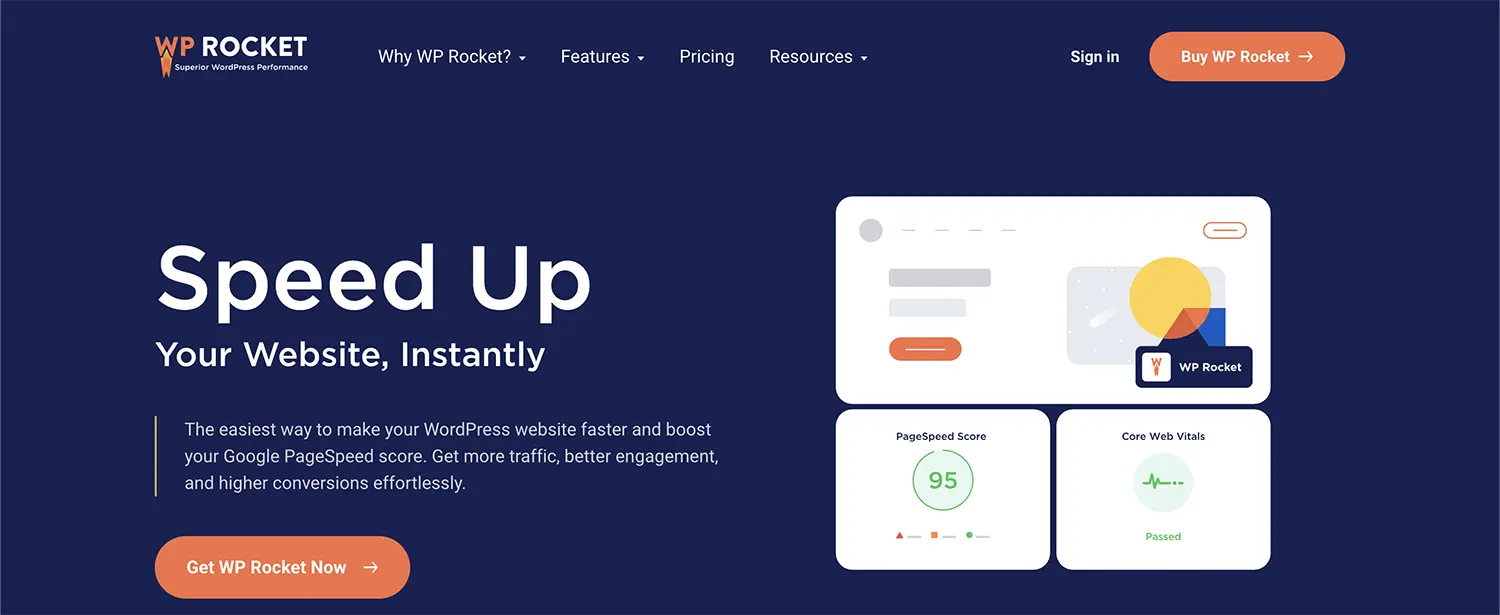
The Foundation: WP Rocket or FlyingPress
Across dozens of WooCommerce stores we’ve optimized, FlyingPress has consistently outperformed older competitors in stabilizing Layout Shift (CLS) and reducing Interaction to Next Paint (INP).
- Lazy Loading: Ensure your plugin handles “Critical CSS” generation. This allows the top of your page to load instantly while the rest of the styles load in the background.
- Database Optimization: Based on performance tests on real sites, cleaning up expired transients and old post revisions can shave 200ms off your server response time (TTFB).
Asset Management: Perfmatters
This is a “surgical” tool. It allows you to disable specific plugins on pages where they aren’t needed. For example, why load a heavy contact form script on your “About” page?
3. Security: Prevention Without Performance Loss
Heavy security plugins that “scan” your site every hour can kill your performance.

The Firewall Approach: Cloudflare + NinjaFirewall
Rather than using a plugin that sits deep inside WordPress, we recommend moving your first line of defense to the DNS level using Cloudflare.
- NinjaFirewall (WP Edition): Unlike other plugins, this hooks into the server before WordPress even loads, making it incredibly lightweight.
- Common Mistake: Avoid using “File Integrity Scanners” during peak traffic hours, as these are highly resource-intensive and can cause your site to crash.
Common Mistakes to Avoid
- Running Multiple Caching Plugins: This creates “cache-looping” and often results in broken layouts or CSS not updating.
- Ignoring Plugin Updates: Security isn’t a “set and forget” task. Outdated plugins are the #1 entry point for hackers.
- Over-reliance on “All-in-One” Solutions: These often contain 70% features you will never use, all of which still load their code on your site.
Performance Checklist for 2026
- Audit Your List: Deactivate and delete any plugin not used in the last 30 days.
- Check PHP Compatibility: Ensure all plugins are compatible with PHP 8.2 or 8.3.
- Limit External Scripts: Every “tracking pixel” or “chat widget” adds significant weight.
Frequently Asked Questions
1. Do I need coding knowledge to build a WordPress site?
WordPress allows users to build and manage websites without writing code. Most layouts, themes, and plugins can be configured visually. However, understanding basic structure and performance principles significantly improves long-term site stability and helps you troubleshoot when plugins conflict.
2. How long does it take to learn WordPress professionally?
Basic setup can be learned within weeks. Professional-level performance optimization, SEO configuration, and WooCommerce integration require structured practice and real-world implementation. Learning how to balance plugin functionality with site speed is a skill developed through testing.
3. Is WordPress secure for business websites?
WordPress can be secure when updated regularly and configured properly. Security depends more on hosting quality, plugin choices, and maintenance practices than the platform itself. Using a lightweight firewall and strong password policies is usually more effective than heavy plugins.
4. What hosting type works best for WordPress?
Managed WordPress hosting or optimized VPS environments typically deliver better performance and stability than low-cost shared hosting. These environments are tuned specifically for WordPress database queries and often include server-level caching that replaces several plugins.
5. Can WordPress scale for high traffic?
Yes. With proper caching, CDN integration, database optimization, and quality hosting, WordPress can support high-traffic environments. We have seen sites handling millions of monthly visits by offloading heavy assets and optimizing the plugin stack.
6. How important is site speed for WordPress SEO?
Site speed directly impacts Core Web Vitals, user engagement, and search visibility. Poor performance increases bounce rate and reduces conversion potential. Google uses speed as a ranking factor, particularly on mobile devices where bandwidth may be limited.
Final Thoughts
Building a high-performance WordPress site is about subtraction, not addition. The “best” plugin is often the one you realize you don’t need. This lean stack is designed for users who prioritize long-term stability and fast page loads over flashy, bloated features. If you are running a high-volume WooCommerce store or a professional blog, sticking to these vetted, performance-focused tools will save you hours of troubleshooting later.
Share Post: