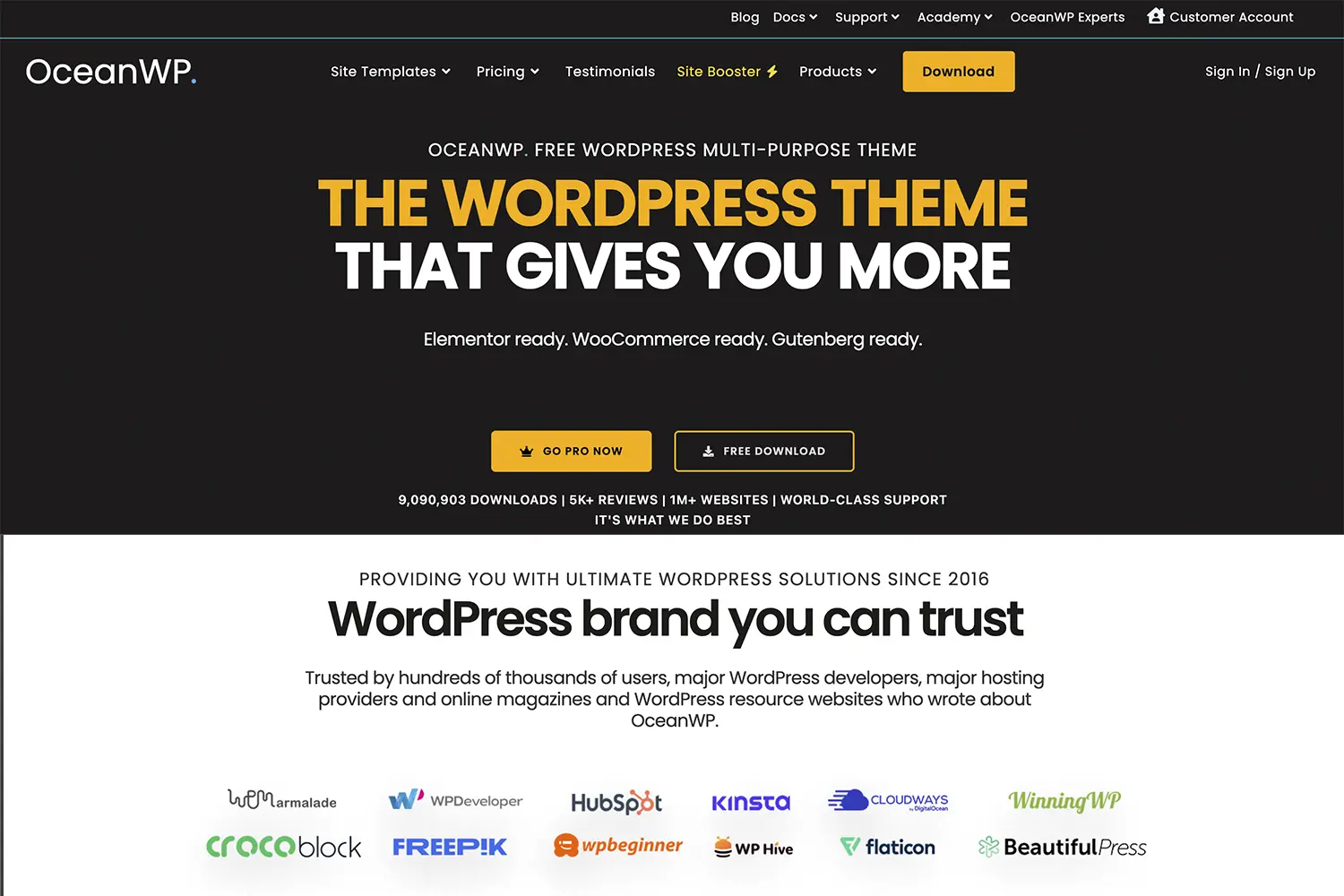
OceanWP Review: Is It Still the Best Free WordPress Theme?
Finding the perfect WordPress theme feels a bit like dating. You want something that looks good, is reliable, doesn’t cost a fortune, and won’t let you down when things get complicated.
If you’ve been searching for a theme, you’ve definitely heard the name OceanWP.
With over 700,000 active installs and a near-perfect 5-star rating on WordPress.org, OceanWP isn’t just a theme; it’s a phenomenon. It is often cited alongside giants like Astra and GeneratePress as one of the “Big Three” multipurpose themes.
But is it right for you? Is it truly free, or is it a “freemium” trap? And how does it handle the modern demands of speed and SEO?
In this comprehensive, honest, and friendly review, we’re going to dive deep into OceanWP. We’ll test its features, explore its e-commerce superpowers, and help you decide if this is the theme your website has been waiting for.
What is OceanWP? (And Why is Everyone Using It?)
OceanWP is a multipurpose WordPress theme. This means it wasn’t built for just one thing (like a blog or a restaurant). It was built to be a shapeshifter. You can use it to build a corporate site, a creative portfolio, a heavy-duty e-commerce store, or a simple personal blog.
It was created by Nicolas Lecocq with a simple goal: to provide a theme that is high-performance, professional, and free.
The Main Selling Point:
While many themes claim to be “multipurpose,” OceanWP stands out for one specific reason: It gives you premium-level features in the free version. Especially if you are building an online store with WooCommerce or using a page builder like Elementor, OceanWP offers settings that other themes charge money for.
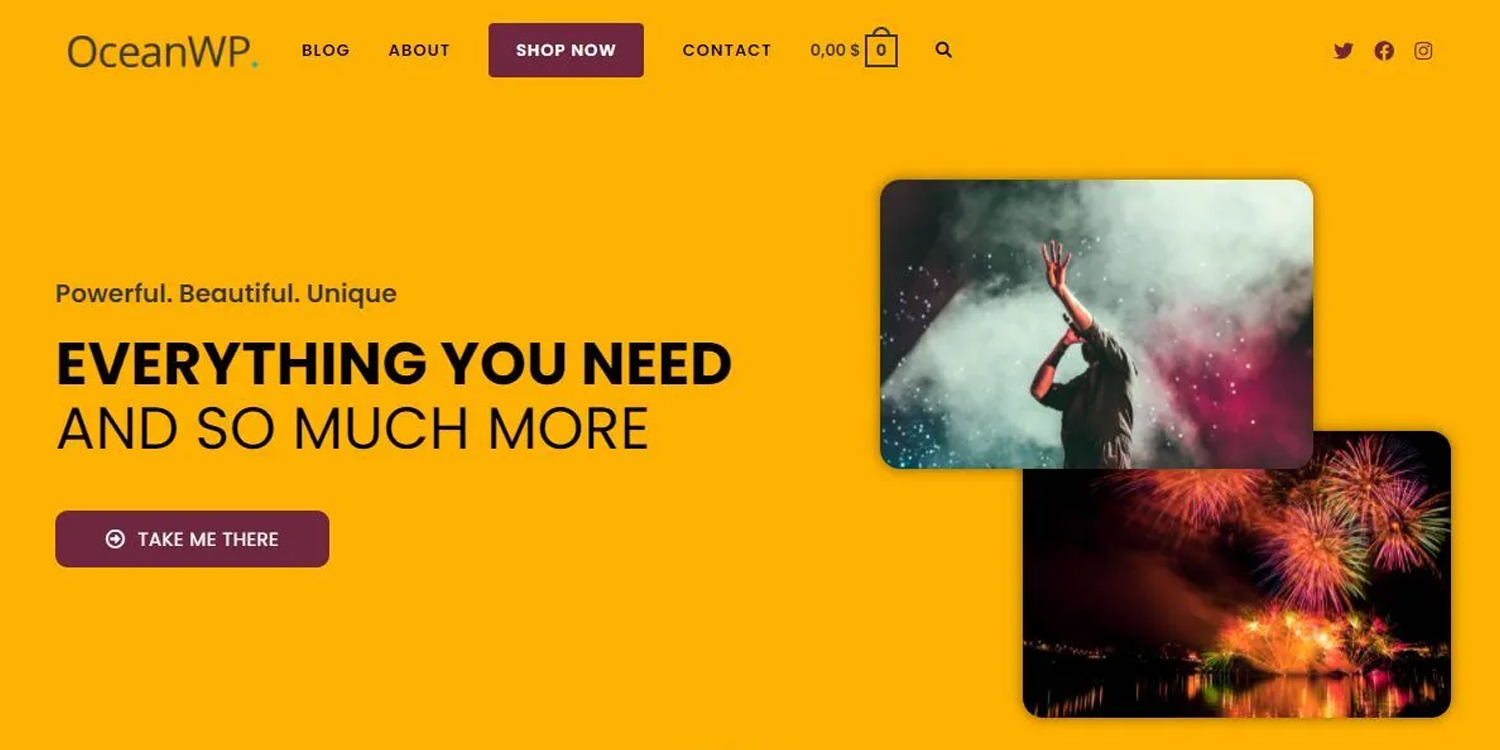
Key Features: What Makes OceanWP Special?
Let’s break down the features that actually matter to you.
1. The “Elementor’s Best Friend” Status
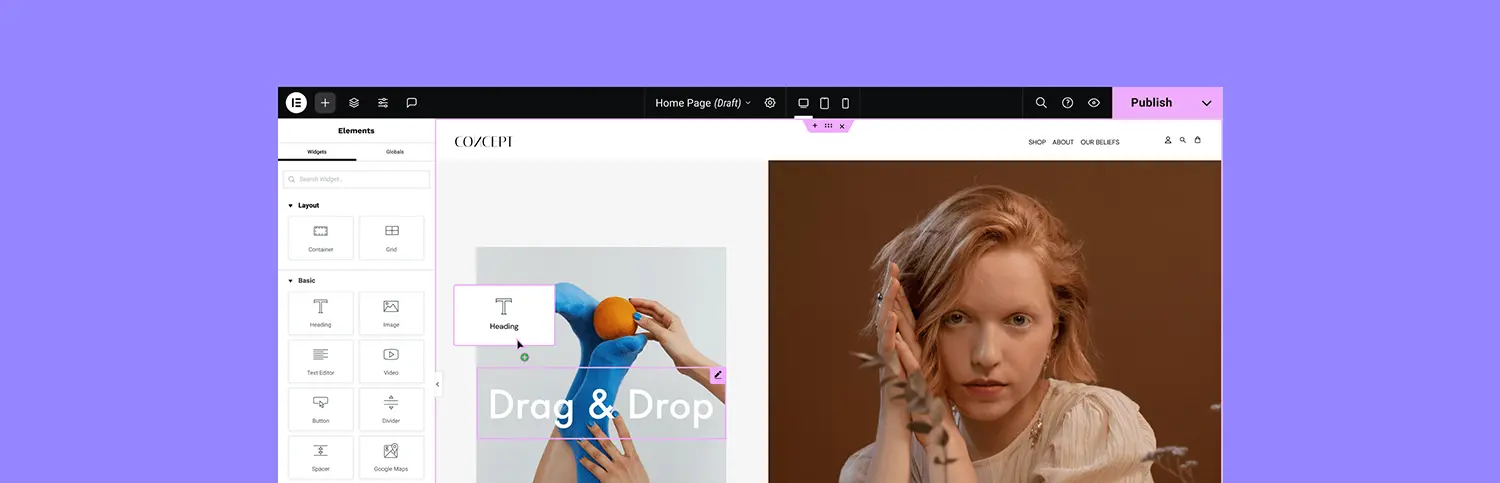
If you use a page builder like Elementor, Beaver Builder, or Divi, you will love OceanWP.
Some themes fight with page builders, causing layout issues or double scrollbars. OceanWP embraces them. It includes specific “Page Settings” on every single page you create. With one click, you can:
- Disable the header and footer (great for landing pages).
- Remove the page title.
- Make the layout 100% full-width.
This gives your page builder a completely blank canvas to work on, ensuring your design looks exactly how you imagined it.
2. Incredible WooCommerce Integration (The Secret Weapon)
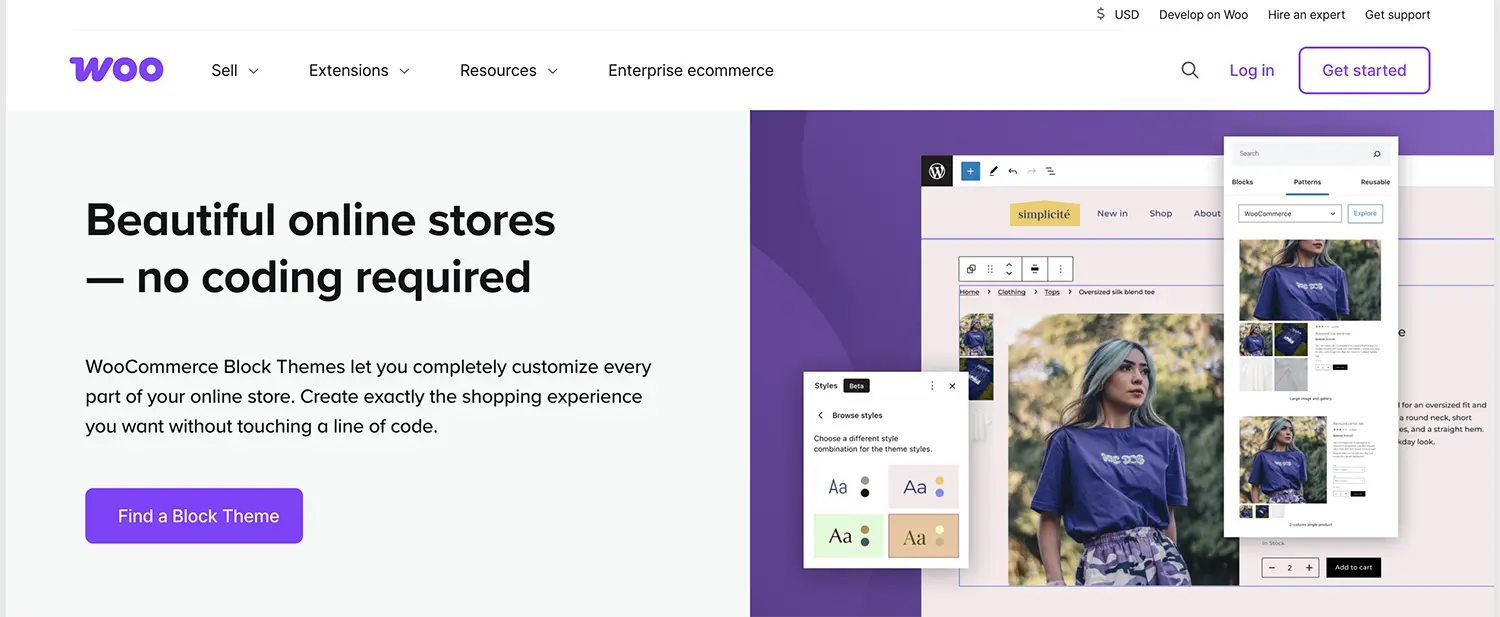
This is where OceanWP leaves competitors in the dust. If you are building an online store, OceanWP is arguably the best free choice on the market.
Most themes give you a basic shop layout. OceanWP gives you features that usually require expensive plugins:
- Native Cart Popup: When a user clicks “Add to Cart,” a sleek popup appears showing their items, increasing conversion rates.
- Floating Add to Cart Bar: As a user scrolls down a product page, a “Buy Now” button stays visible on the screen.
- Off-Canvas Filter: A modern, mobile-friendly sidebar that slides out for product filtering.
- Quick View: Let customers see product details without leaving the catalog page.
Getting these features for free is almost unheard of.
3. A Massive Library of Starter Demos
Don’t know how to design? No problem.
OceanWP comes with a “One-Click Demo Import” system. You can choose from hundreds of professionally designed websites.
- Free Demos: There are plenty of high-quality free templates (Coaching, Gym, Store, Blog, etc.).
- Pro Demos: If you buy the premium bundle, you unlock intricate, niche-specific designs.
You simply select the design you like, click “Import,” and your site looks exactly like the demo in minutes.
4. Deep Customization (The Customizer)
OceanWP adds a ton of options to the native WordPress Customizer. You don’t need to know code (CSS) to change things. You can control:
- Header Styles: Choose from Transparent, Minimal, Top Menu, Full Screen, and more.
- Typography: Change fonts, sizes, and line heights for every single element (H1, H2, body, menu, etc.).
- Colors: Global color palettes to keep your branding consistent.
- Mobile Styles: You can even customize how the menu looks specifically on tablets and phones.
Performance: Is OceanWP Fast?
In the past, OceanWP was criticized for being a bit “bloated” compared to ultra-light themes like GeneratePress. However, the team has done massive work on this.
Today, OceanWP is highly modular.
It allows you to disable the scripts and styles you aren’t using.
- Don’t need the “lightbox” script? Turn it off.
- Not using “parallax” scrolling? Disable it.
The Verdict on Speed: Out of the box, it is very fast. If you use good hosting and a caching plugin (like WP Rocket), you can easily achieve 100/100 scores on Google Core Web Vitals. It is SEO-friendly with proper HTML structure and schema markup.
Free vs. Pro: Do You Need to Pay?
This is the big question. OceanWP is very generous with its free version, but they also offer the Ocean Core Extensions Bundle.
What you get for Free:
- The core theme.
- Basic WooCommerce features.
- Limited demo sites.
- Basic extensions.
What you get with Pro (The Bundle):
- All Pro Demos: Access to the full library.
- Sticky Header: Keeps your menu at the top as users scroll.
- Elementor Widgets: A set of extra widgets for Elementor.
- Cookie Notice: GDPR compliance built-in.
- Popup Login: A sleek login form.
- Footer Callout: A sticky bar at the bottom for promotions.
- Instagram Feed: Display your photos.
- White Label: Great for agencies who want to hide the theme name from clients.
Pricing:
Plans usually start around $54/year for 3 sites. They often run sales, and they offer a “Lifetime” deal (pay once, use forever), which is a fantastic investment for agencies.
Pros and Cons
Let’s be real. No theme is perfect.
| Pros (The Good Stuff) 👍 | Cons (The Not-So-Good) 👎 |
| Generous Free Version: Packed with features others charge for. | Overwhelming Options: The sheer number of settings in the Customizer can scare beginners. |
| E-Commerce King: Best-in-class WooCommerce tools. | Plugin Dependency: It recommends installing several plugins (Ocean Extra, etc.) to work properly. |
| Developer Friendly: Hooks, filters, and clean code. | “Checkbox” Setup: The demo import wizard can sometimes be a bit confusing with too many checkboxes. |
| Regular Updates: The team is active and constantly improving security. | |
| Accessibility: Ready for screen readers and WCAG compliant. |
Comparison: OceanWP vs. The Competition
How does it stack up against the other big names?
- OceanWP vs. Astra: Astra is slightly faster and lighter, but OceanWP offers more design flexibility and better WooCommerce features in the free version.
- OceanWP vs. GeneratePress: GeneratePress is cleaner and more code-focused (better for developers). OceanWP is more feature-rich and design-focused (better for DIY users).
- OceanWP vs. Hello Elementor: Hello is a blank shell. OceanWP provides a fallback design and helpful global settings (like Headers/Footers) that Hello lacks.
Final Verdict: Who Should Use OceanWP?
After testing and reviewing OceanWP extensively, here is our conclusion.
You should use OceanWP if:
- You are building an E-Commerce Store: The free WooCommerce features are unbeatable.
- You use a Page Builder: It integrates flawlessly with Elementor and Beaver Builder.
- You are a Freelancer/Agency: The “Lifetime” pricing and wide variety of demos make it a profitable tool for client work.
- You want a Premium feel for $0: If you have zero budget, this theme gives you the most bang for your buck.
You might want to look elsewhere if:
- You want the absolute simplest, most minimalist blog possible (Try GeneratePress).
- You get easily overwhelmed by too many settings and checkboxes.
Overall Rating: ⭐⭐⭐⭐⭐ (4.8/5)
OceanWP remains a titan in the WordPress ecosystem. It balances flexibility, power, and cost better than almost any other theme. If you haven’t tried it yet, download the free version and take it for a spin. Your website will thank you.
Share Post: