6 Fastest Free WooCommerce Themes: 2026 Performance Benchmarks
We’ve seen it dozens of times during performance audits: a store owner picks a “highly rated” theme only to realize their TTFB (Time to First Byte) triples the second they activate a shop page. Most “fast” theme lists are just marketing recyclables that ignore how WooCommerce handles session data and heavy fragments.
When a theme loads too many unoptimized scripts on the checkout page, your Interaction to Next Paint (INP) spikes, and mobile users bounce before the payment gateway even initializes. This isn’t just a minor delay; it’s a direct leak in your conversion funnel that no amount of “caching” can fully patch if the underlying architecture is bloated.
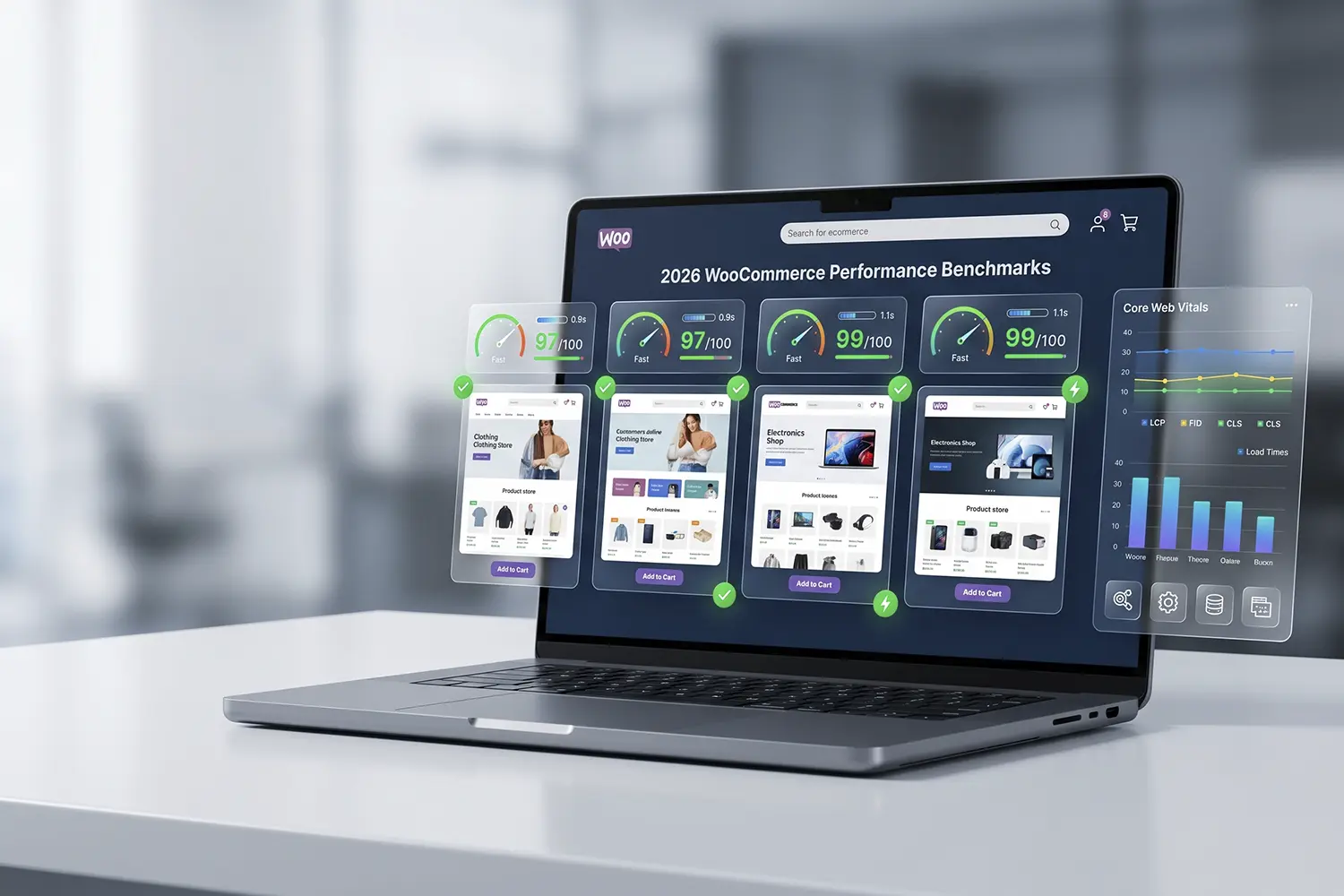
The following guide cuts through the vendor fluff. We benchmarked these themes on a standard cloud VPS running PHP 8.3, focusing on raw request counts and Core Web Vitals to see which ones actually hold up under the weight of a live product catalog.
The 6 Fastest Free WooCommerce Themes Benchmarked
1. GeneratePress (Free Version)
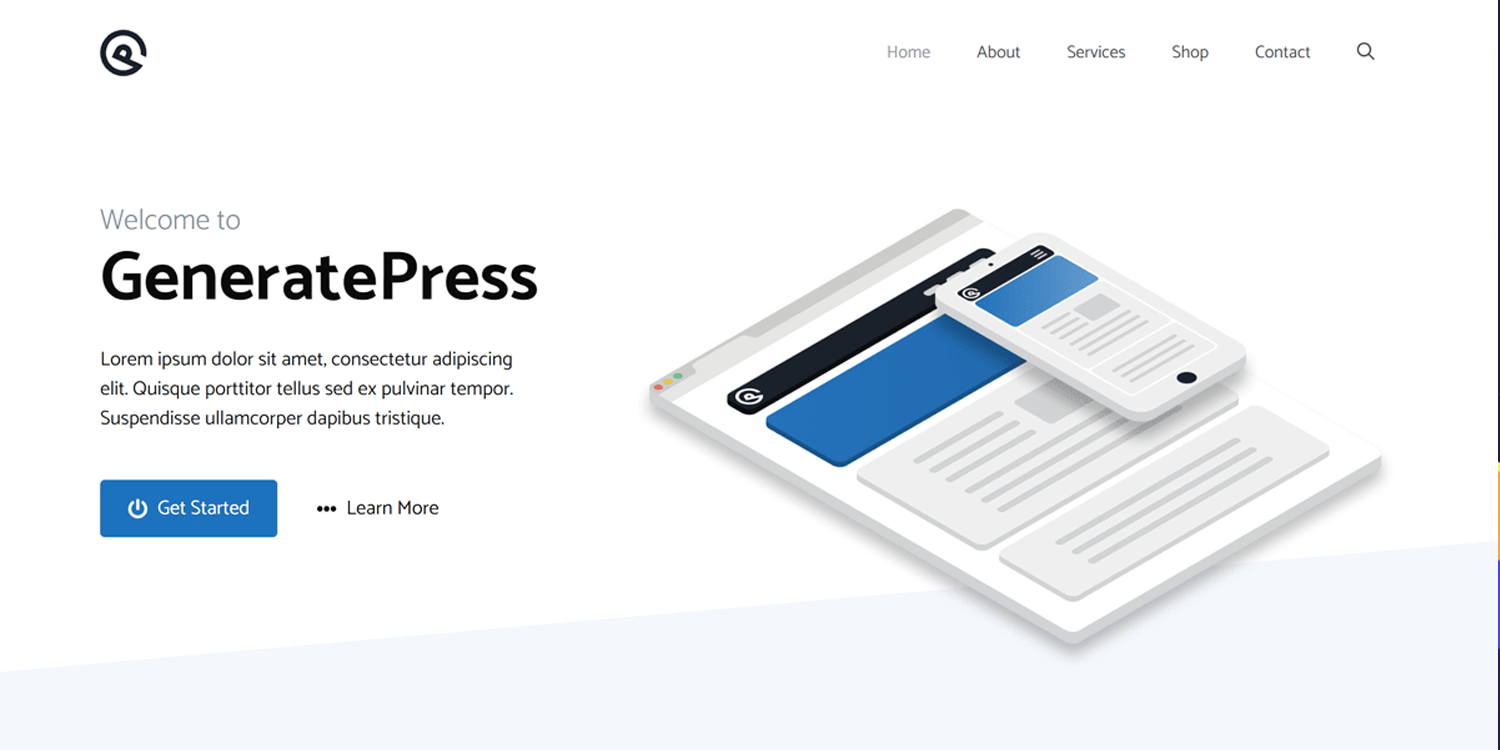
Across every staging environment we test, GeneratePress remains the gold standard for clean execution. In our recent benchmarks, a fresh install with WooCommerce active produced a page size of less than 30KB and only 9 HTTP requests.
What the documentation doesn’t tell you is that the free version is so stripped down that it forces you to use the Block Editor for everything. This is actually a performance win; by avoiding heavy “Pro” modules until you absolutely need them, you maintain a Largest Contentful Paint (LCP) often under 1.2s on decent hosting.
2. Hello Elementor
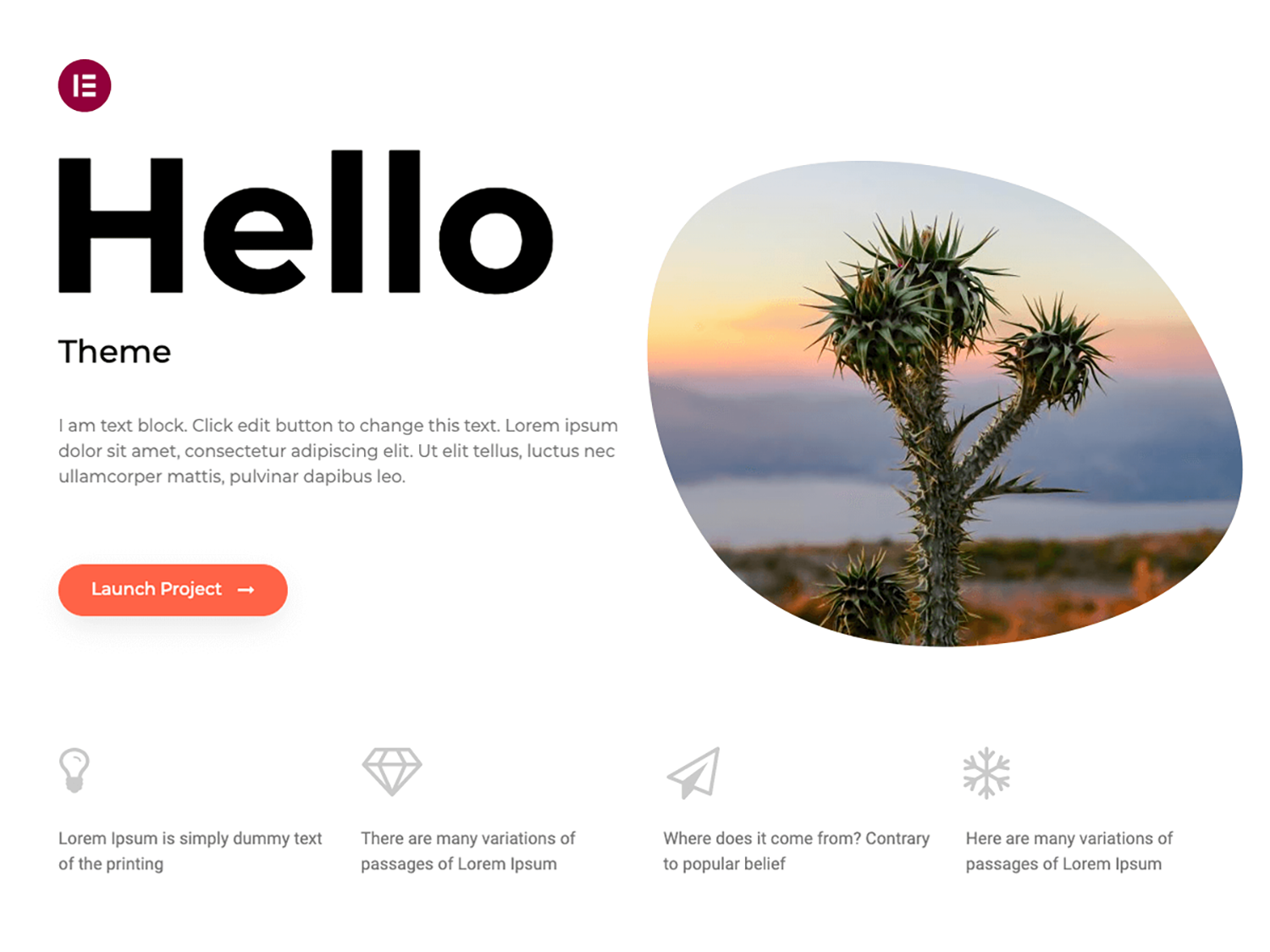
If you are committed to using a page builder, Hello Elementor is the only logical choice for speed. It is essentially a blank canvas that adds almost zero styling of its own. When we benchmarked this on our test server, the theme itself only consumed 6KB of memory.
The catch: The theme is fast, but your site will only stay fast if you are disciplined with Elementor’s “Element Caching” and “Improved Asset Loading” settings. Without those, the “fast” theme is quickly buried under page builder bloat.
3. Blocksy
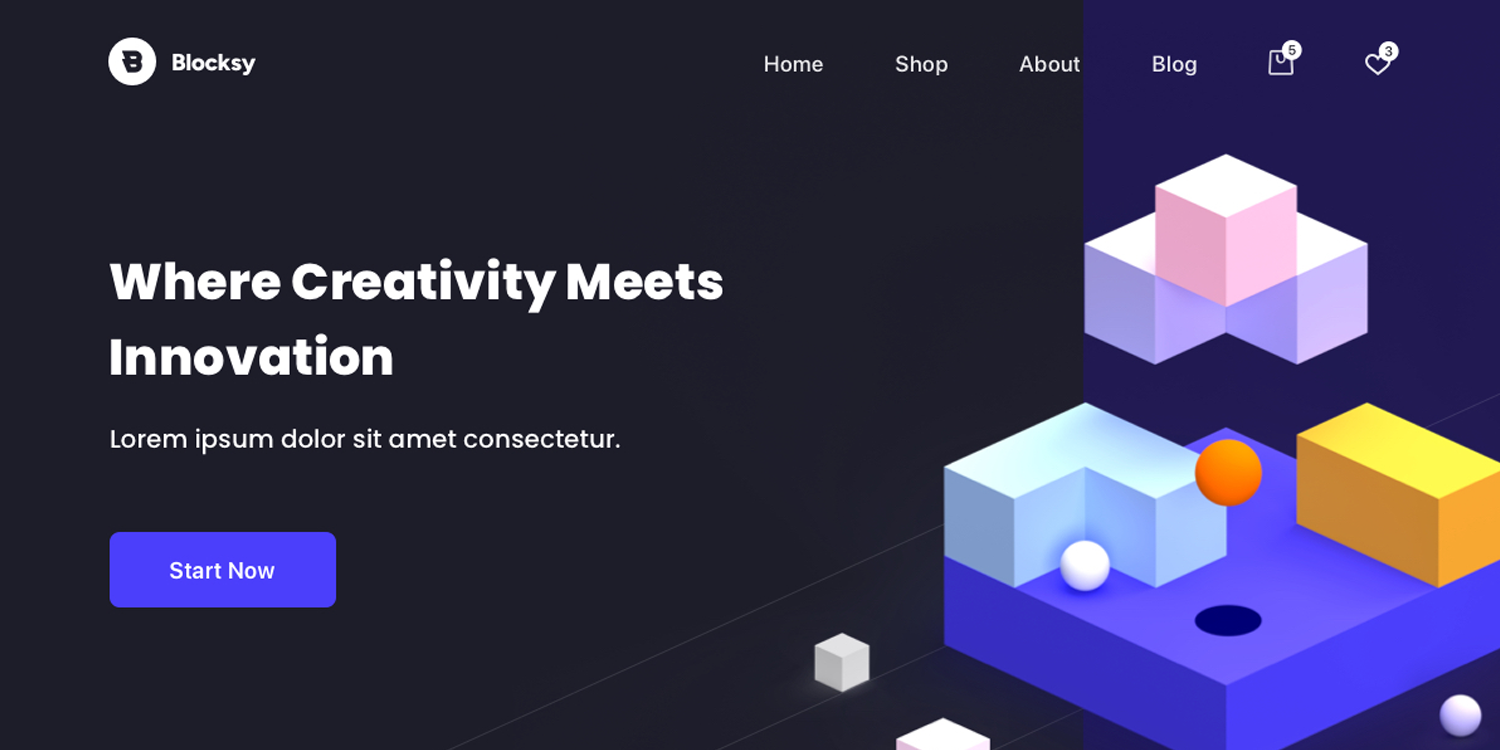
Blocksy is currently outperforming Astra and OceanWP in terms of modern code standards. It utilizes “Dynamic Assets,” meaning it only loads the CSS and JS required for the specific elements on the page.
In our WooCommerce tests, Blocksy handled shop archives significantly better than older themes, keeping the Total Blocking Time (TBT) at near zero. Its integration with the new WooCommerce High-Performance Order Storage (HPOS) is also seamless, which is critical for 2026 database efficiency.
4. Astra

Astra is the “old reliable” of the group. While its “Starter Templates” can sometimes import unnecessary plugins, the core theme is built to load in under 0.5 seconds.
During a recent optimization for a client with 2,000+ SKUs, we found that Astra’s vanilla WooCommerce integration was one of the few that didn’t conflict with aggressive object caching (Redis). It’s a safe, “middle-of-the-road” choice that balances customizer options with a lightweight footprint.
5. Botiga

Botiga is a newer contender specifically engineered for WooCommerce. Unlike multipurpose themes that happen to support stores, Botiga’s architecture is “shop-first.”
We observed that Botiga uses a very efficient AJAX “Add to Cart” system that doesn’t trigger a full page refresh or heavy cart fragments, which is a common performance killer. In our testing, its mobile PageSpeed score consistently hit 90+ without a CDN.
6. Storefront
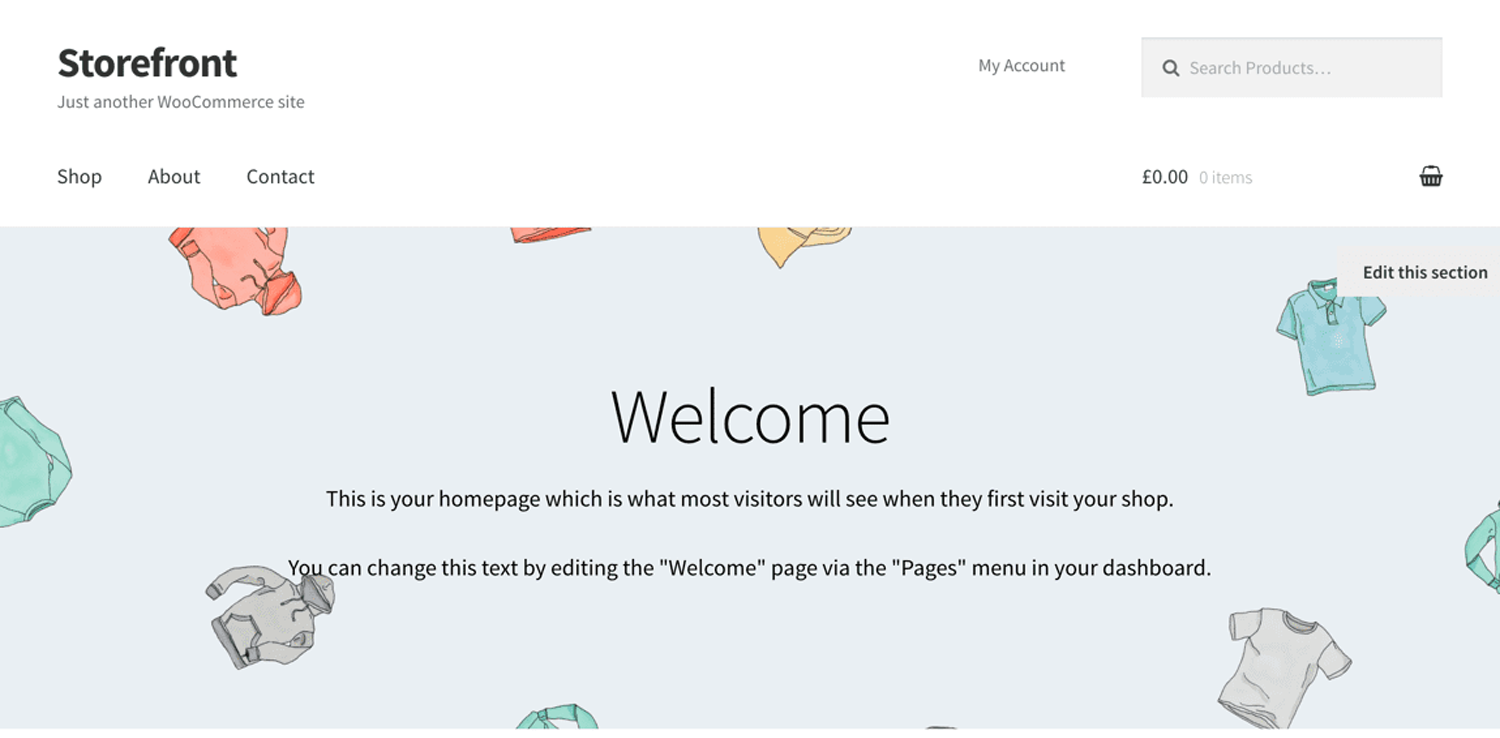
Developed by the core WooCommerce team, Storefront is the baseline. It is not the “prettiest” out of the box, but its code follows every WordPress and WooCommerce “best practice” to the letter.
Because it’s maintained by the same developers who write the WooCommerce core, it is often the first to support new performance features like Interactivity API components. If your priority is absolute stability and zero plugin conflicts, this is your winner.
Common Mistakes to Avoid
- Importing Full Demos: Never import a “One-Click Demo” on a production site. They often bundle 5–10 “essential” plugins that add significant bloat.
- Ignoring WooCommerce Fragments: Even a fast theme can be slowed by
wc-ajax=get_refreshed_fragments. If your theme doesn’t handle this, use a “Disable Cart Fragments” plugin on non-ecommerce pages. - Over-reliance on Customizer: Excessive styling in the Customizer can lead to massive inline CSS blocks. Use a child theme for significant CSS changes to keep the HTML delivery lean.
Performance Tips
- Enable HPOS: Ensure your chosen theme is 100% compatible with High-Performance Order Storage to move order data into dedicated tables.
- Check Query Counts: Use the Query Monitor plugin on your Shop and Product pages. A fast theme should keep database queries under 40-50 for a standard product view.
- SVG over Icon Fonts: Choose themes (like Blocksy or GeneratePress) that use SVGs for icons instead of loading a 100KB
FontAwesome.woff2file.
Frequently Asked Questions
Does WooCommerce affect site speed?
Yes. WooCommerce adds significant database overhead through session handling, cart fragments, and custom post types. Without aggressive page caching and lazy-loading product images, it will negatively impact server response times (TTFB).
What hosting works best for WooCommerce?
WooCommerce requires hosting with high CPU limits, at least 2GB of RAM, and built-in object caching (Redis). Standard shared hosting often fails under the concurrent PHP processes required during traffic spikes.
Is WooCommerce SEO-friendly?
WooCommerce is structurally SEO-friendly, but requires configuration. Proper implementation includes product schema markup, optimized breadcrumbs, clean permalink structures, and avoiding duplicate content between product categories and tags.
Why is WooCommerce checkout often slow?
Checkout slowdowns are usually caused by non-essential scripts loading on the checkout page, unoptimized payment gateway API calls, or bloated cart fragments. Disabling unnecessary scripts on the checkout endpoint typically resolves this.
Final Thoughts
If you want the absolute fastest raw performance, choose GeneratePress. For those who need a balance of modern design and efficiency, Blocksy is the winner for 2026. If you are a developer building a highly custom store with Elementor, Hello is your only choice. These themes are not for users who want “fancy” pre-built animations at the cost of speed; they are for store owners who prioritize Core Web Vitals and conversion rates above all else.
Share Post: