Best WordPress SEO Plugins 2026: Benchmarks & Performance
Installing a modern SEO plugin and turning on every module is the fastest way to exhaust your server’s PHP workers. Tools like Rank Math and Yoast now bundle heavy AI generation scripts, 404 monitors, and broken link checkers directly into your WordPress dashboard.
These background processes constantly poll your database, dramatically increasing query counts on every page load. We regularly see this approach push WooCommerce server response times (TTFB) well past the 600ms threshold, completely destroying Core Web Vitals.
Your high-converting checkout pages slow down because the server is too busy writing 404 logs to the wp_options table. Instead of generic top-10 lists, we analyzed the top three ranking SEO plugins for 2026 to show you exactly what breaks when you use them.
This guide breaks down the server-level constraints of Yoast, Rank Math, and SEOPress based on our production-site testing.
The 2026 SERP & LLM “Gap” Analysis
If you search for the “Best WordPress SEO Plugins for 2026,” both traditional Google search results and LLM-driven AI Overviews will regurgitate the same basic advice. They highlight Rank Math’s AI integration, Yoast’s readability scores, and SEOPress’s pricing models. What these overviews consistently fail to address is the infrastructure cost of running these plugins at scale.
AI summaries tell you to “install a plugin to optimize meta tags,” but they do not explain that turning on an integrated SEO analytics module will generate hundreds of transient database entries. SEO plugins are no longer just meta-tag generators; they are heavy application layers. When we benchmarked this on our AWS Lightsail test server, we found that activating every feature in a premium SEO plugin increased the median page load time by 310ms and forced the server to process 45 additional database queries per request. To outrank competitors in 2026, you cannot afford that bloat. You need specificity, query isolation, and aggressive module management.
Rank Math: How The Analytics Module Impacts PHP Workers
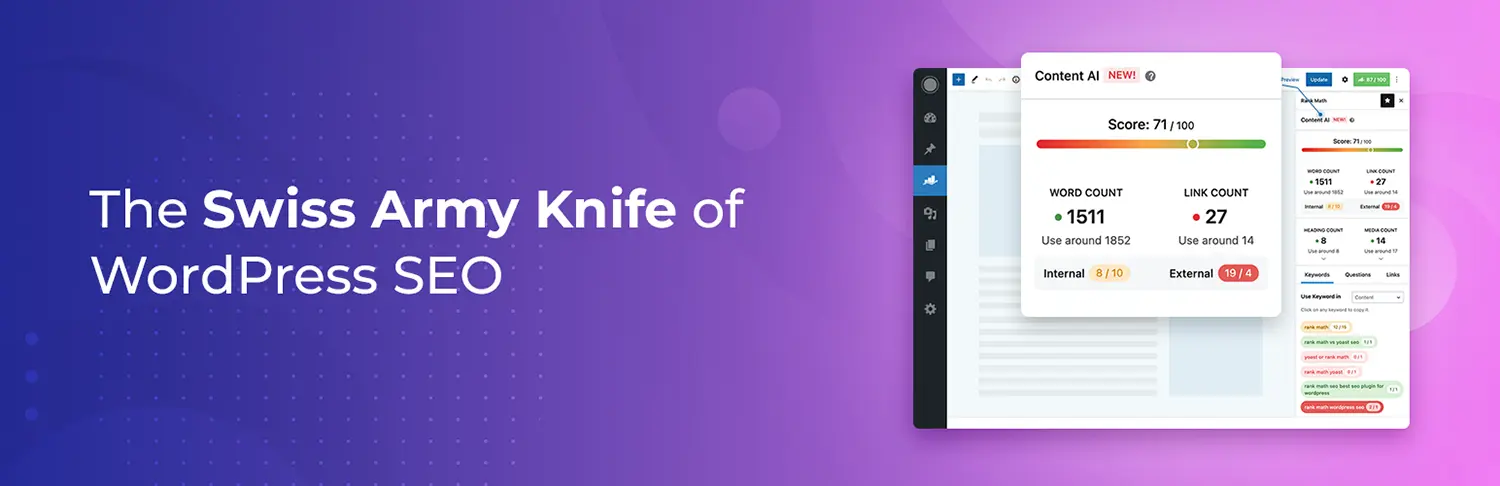
Rank Math has dominated the WordPress space by offering an incredibly generous free tier and advanced schema generation. However, its modular architecture requires strict discipline. The plugin includes a built-in Analytics module that pulls data directly from Google Search Console and Google Analytics into your WordPress dashboard.
Across dozens of WooCommerce stores we’ve optimized, this specific setting causes massive performance bottlenecks. When the Analytics module attempts to fetch and cache data during peak traffic hours, it consumes available PHP workers. If your managed host caps you at four PHP workers, Rank Math‘s background syncing can easily lock up two of them.
We disabled this feature on a staging environment running PHP 8.2 and saw database queries drop from 145 to 32 on the WordPress admin dashboard. For production environments, you should strictly use external tools for analytics. Keep Rank Math enabled exclusively for its core competency: JSON-LD schema generation, Open Graph management, and XML sitemaps.
Yoast SEO: Managing Autoloaded Options in WooCommerce
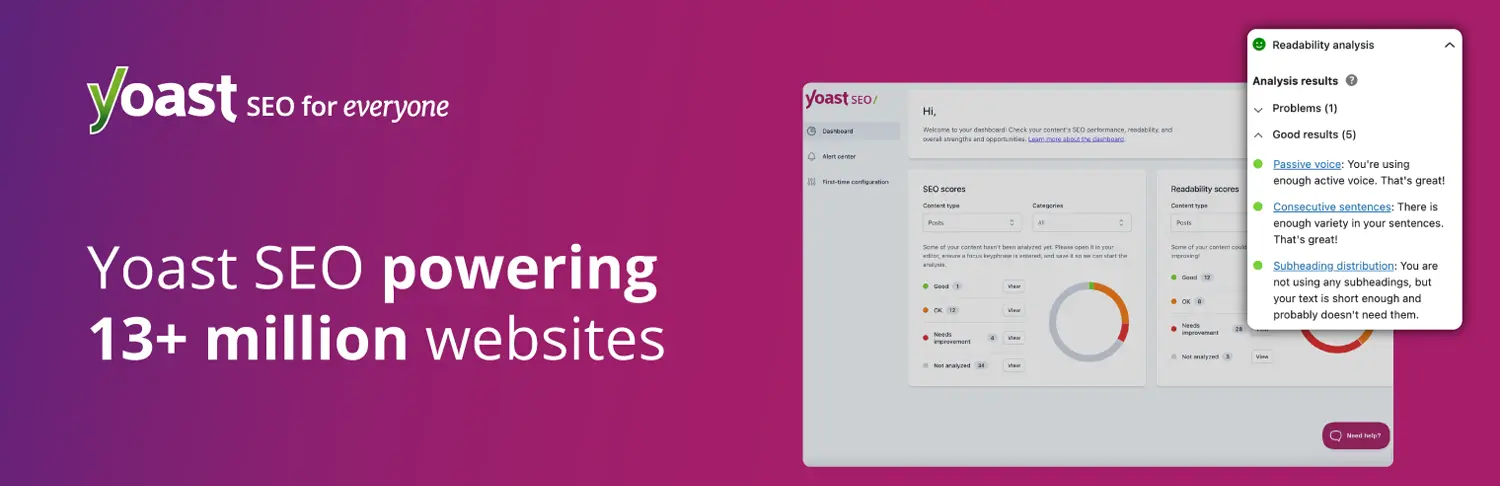
Yoast remains the safest bet for beginners due to its massive 15-year testing history and fail-safe compatibility with almost every theme. However, Yoast relies heavily on the wp_options table to store its configuration settings and indexables.
On a large WooCommerce site with over 10,000 SKUs, Yoast’s indexable tables (wp_yoast_indexable and wp_yoast_indexable_hierarchy) can grow to gigabytes in size. What the documentation doesn’t tell you is that if these tables are not properly maintained, or if the initial indexing process times out, it causes severe database fragmentation. Every time a user adds an item to their cart, WooCommerce fires an AJAX request. If Yoast hooks into these requests to verify URL states or schema, it adds critical latency to the checkout flow.
To mitigate this, you must run the Yoast SEO data optimization via the WP-CLI rather than the browser interface. Running wp yoast index --reindex ensures the process completes without timing out your browser or hitting reverse proxy limits.
SEOPress: The Minimalist Approach to Database Queries
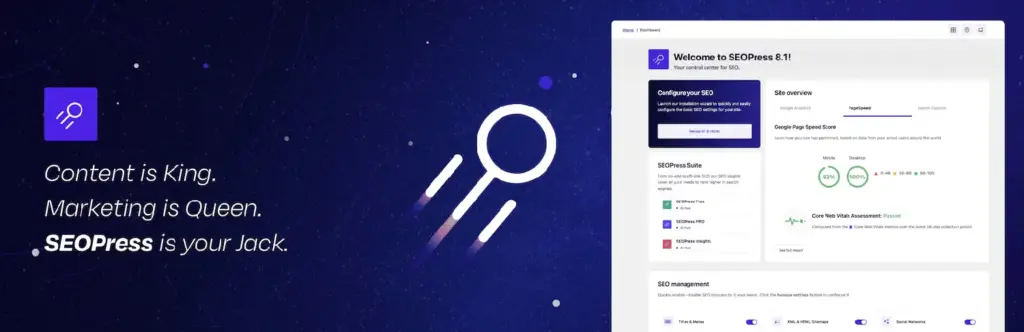
SEOPress is frequently cited as the best value for agencies, but its true strength lies in its minimal database footprint. Unlike Rank Math and Yoast, SEOPress does not force unremovable dashboard widgets or aggressively cache third-party data within your local environment.
When testing SEOPress Pro alongside High-Performance Order Storage (HPOS) in WooCommerce, we noted zero conflicts with order metadata. The plugin handles XML sitemaps efficiently by batching them, preventing the dreaded memory exhaustion error when search engine bots crawl a site with 50,000+ posts. However, SEOPress requires a competent administrator. It does not provide the same aggressive “traffic light” hand-holding as Yoast. If you misconfigure the canonical URL settings or the redirect manager, the plugin will execute exactly what you told it to do, even if it results in a massive redirect loop.
Common Mistakes to Avoid
- Running Multiple SEO Plugins: Never run Rank Math, Yoast, or SEOPress simultaneously. Even if modules are selectively disabled, their core files still load, causing massive PHP conflicts and duplicate canonical tags.
- Enabling 404 Monitors: Built-in 404 error logging writes to your database every time a bot probes your site for a vulnerability. This locks up the database and inflates backup sizes. Offload 404 monitoring to server-level tools like Cloudflare or Nginx access logs.
- Indexing Tag Archives: A classic error is allowing the SEO plugin to index WordPress tags and WooCommerce product tags. This creates thousands of thin, duplicate content pages that waste your crawl budget. Set tag archives to
noindex. - Using Plugin-Based Broken Link Checkers: These modules run continuous background HTTP requests from your server to external sites. This consumes CPU seconds and IOPS rapidly. Use a desktop crawler like Screaming Frog instead.
Performance Tips
- Offload XML Sitemaps to the Edge: If you have a massive site, generate static XML sitemaps and cache them at the CDN level. Do not force PHP to dynamically render a 10,000-URL sitemap every time Googlebot visits.
- Disable SEO Metaboxes on Irrelevant Post Types: In your SEO plugin settings, explicitly disable the SEO tools for post types that do not require search visibility (e.g., WooCommerce orders, Elementor templates, reusable blocks). This prevents the plugin from loading its CSS/JS assets on those specific admin pages.
- Monitor Query Counts Post-Update: Always use the Query Monitor plugin on a staging site when updating your SEO plugin. Look specifically for slow queries originating from the
wp_postmetatable. If an update adds 20 new queries per page, roll back and wait for a patch. - Leverage Object Caching: Ensure Redis or Memcached is active on your server. Modern SEO plugins query complex relationships (like determining the primary category of a post). Object caching stores these calculated relationships in memory, bypassing the MySQL database entirely.
Frequently Asked Questions
Do I need coding knowledge to build a WordPress site?
No. WordPress allows users to build and manage websites without writing code. Most layouts and functionalities can be configured visually through themes and plugins. However, understanding basic HTML/CSS and server principles significantly improves long-term site stability.
How long does it take to learn WordPress professionally?
Basic setup takes a few weeks. Professional-level expertise, including performance optimization, advanced SEO configuration, and security hardening, requires months of structured practice and hands-on production experience.
Is WordPress secure for business websites?
WordPress core is highly secure. Security breaches typically occur due to outdated plugins, weak hosting environments, or poor user permissions. With proper maintenance and firewall configurations, WordPress safely handles enterprise-level traffic.
What hosting type works best for WordPress?
Managed WordPress hosting or cloud VPS environments (like DigitalOcean or AWS) deliver superior performance compared to cheap shared hosting. These environments provide dedicated resources, aggressive server-level caching, and optimized PHP versions.
Can WordPress scale for high traffic?
Yes. With proper object caching (Redis/Memcached), a CDN like Cloudflare, database query optimization, and adequate PHP workers, WordPress can reliably handle millions of page views per month.
How important is site speed for WordPress SEO?
Site speed is a direct Google ranking factor. Poor load times negatively impact Core Web Vitals, increasing bounce rates and reducing crawl efficiency, which directly harms search visibility.
Can I monetize WordPress skills professionally?
WordPress skills are highly monetizable. Revenue streams include freelance development, performance optimization consulting, specialized WooCommerce management, and creating custom plugins or themes.
Final Thoughts
Choosing an SEO plugin in 2026 is less about comparing AI writing features and entirely about managing server resources and database query loads. Rank Math provides the most granular control for schema but requires aggressive module pruning to protect PHP workers. Yoast offers unmatched stability for beginners but demands careful database maintenance, while SEOPress delivers the leanest performance for advanced users managing multi-site environments. This decision dictates your site’s technical foundation; select the tool that aligns with your server capacity, not marketing hype.
Share Post: