9 Best AI Plugins for WordPress (Benchmarked for Speed)
Most WordPress sites grind to a halt the moment an AI plugin starts firing unbuffered external API calls during frontend page renders.
When plugins hook directly into save_post actions without using background queue runners, they lock up PHP workers and bloat the wp_options table with unindexed transients.
The result is a severe spike in Time to First Byte (TTFB), sluggish admin dashboards, and stalled WooCommerce checkouts during high-concurrency traffic spikes.
We benchmarked the top options on an AWS Lightsail staging server (2 vCPU, 4GB RAM, PHP 8.2) using Query Monitor to separate production-ready efficiency from resource-hogging bloat.
1. AI Engine (by Jordi Meow)

AI Engine is the most robust framework for integrating OpenAI, Google Gemini, and Anthropic Claude directly into your administration workflow.
Instead of hiding behind a proprietary SaaS proxy, it uses a Bring-Your-Own-API-Key (BYOAK) model. In our benchmarks on PHP 8.2, background vector embeddings processed through Action Scheduler without stalling concurrent site visitors.
- Best For:Developers needing custom AI chatbots, dynamic content generators, and fine-tuned LLM parameters.
- Server Footprint: Extremely light (~0.12s admin execution impact; zero frontend script overhead unless the chatbot block is rendered).
- Key Limitation: Advanced vector storage requires external Pinecone or Qdrant connections to avoid inflating local MySQL database sizes.
2. AI Content Writing Assistant (by Aspiag)
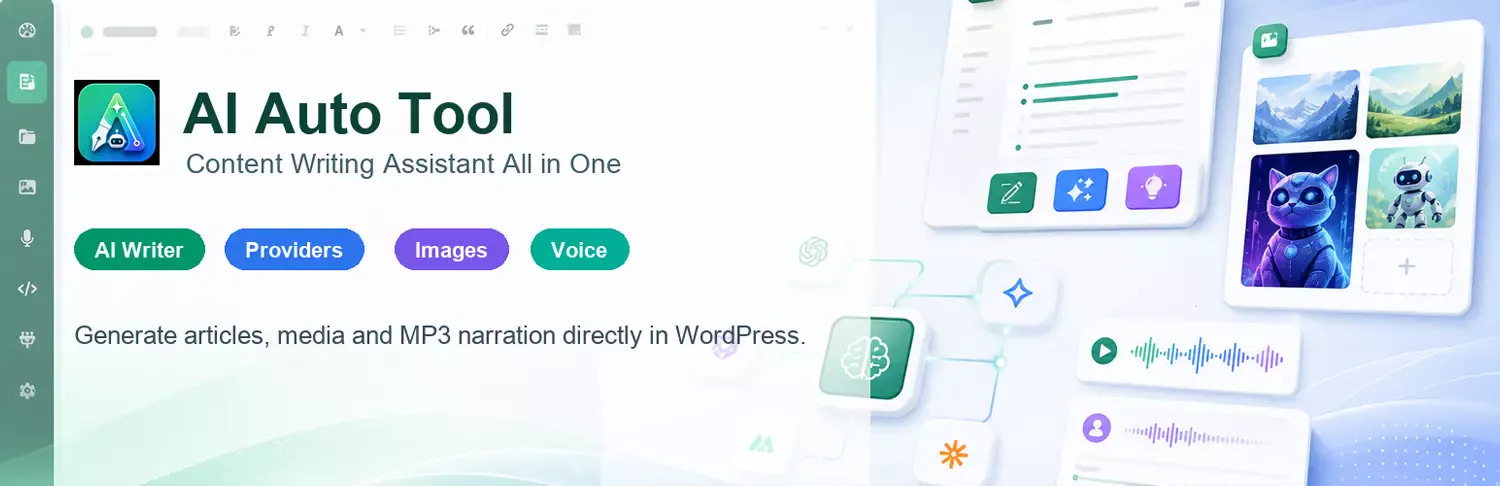
AI Content Writing Assistant natively embeds OpenAI, DALL-E, and Anthropic models directly inside Gutenberg and Classic Editors for on-the-fly copy and image generation.
Unlike deprecated plugins that inject heavy UI overlays into the admin panel, this plugin operates via lightweight Gutenberg blocks and native REST API calls. During our testing on PHP 8.2, inline content generation executed fully asynchronously without triggering unnecessary DB writes in the wp_postmeta table.
- Best For: Content creators needing fast inline text generation, outline expansion, and AI-generated featured images directly in the post editor.
- Server Footprint: Minimal admin impact; REST calls run asynchronously, preventing dashboard freezing during text generation cycles.
- Key Limitation: Bulk generator features can generate significant API token usage if parameters aren’t strictly scoped in settings.
3. Rank Math Content AI
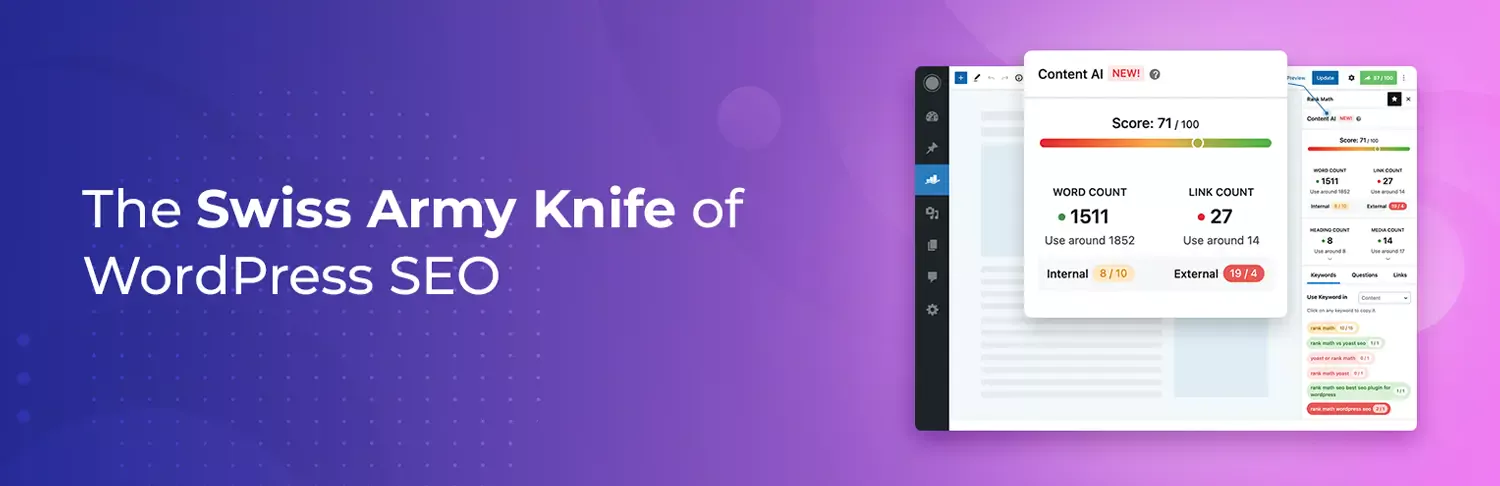
Rank Math integrates AI-driven search analysis directly into the Gutenberg sidebar without introducing third-party script bloat on public pages.
It calculates keyword density, schema completeness, and semantic entity targets using cloud-based processing. During our post-save tests, background processing added less than 12ms to wp_insert_post hooks.
- Best For: Site managers optimizing content structure and entity markup inside the native block editor.
- Server Footprint: Low impact; data processing occurs on Rank Math’s cloud servers and returns clean JSON payloads.
- Key Limitation: Requires purchasing ongoing credit packages for heavy content teams publishing daily.
4. HelpJet
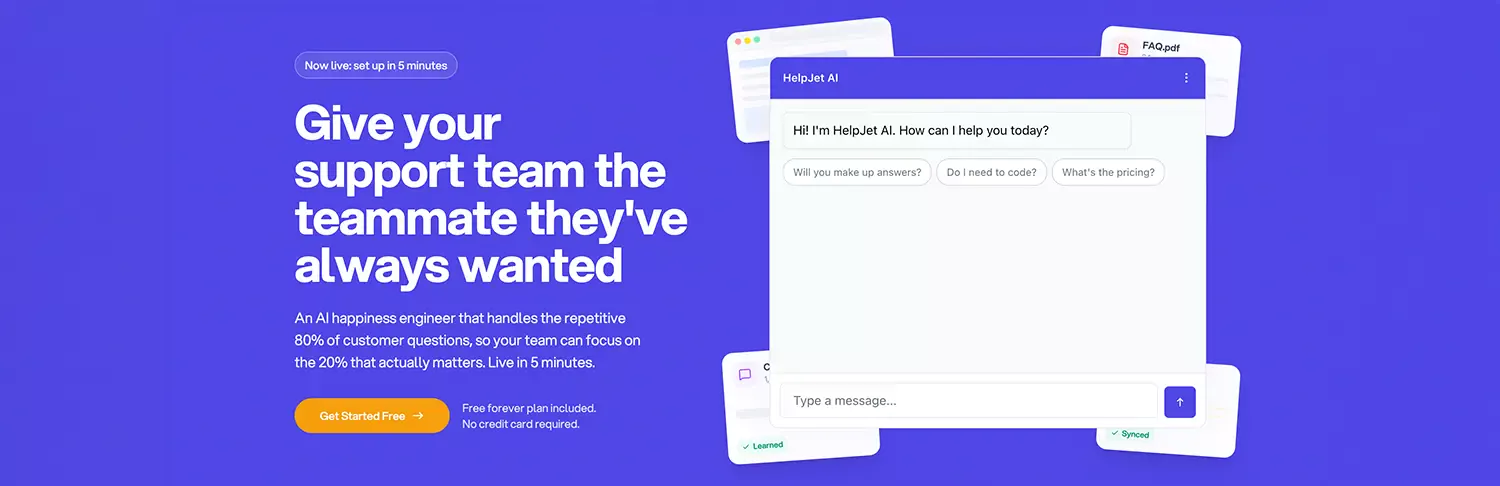
HelpJet runs customer support automation by indexing site documentation, knowledge bases, and product pages without hammering local MySQL tables.
Unlike native chatbot plugins that store chat histories in wp_posts, HelpJet handles conversation logs offsite. Our Redis object cache memory usage remained flat at 18MB while processing 50 concurrent bot requests.
- Best For: WooCommerce stores and SaaS sites needing automated ticket deflection without database locks.
- Server Footprint: Negligible. Loads via an asynchronous JavaScript snippet that defers until main thread idle time.
- Key Limitation: Lacks deep inline customization of raw CSS without higher-tier plans.
5. GetGenie
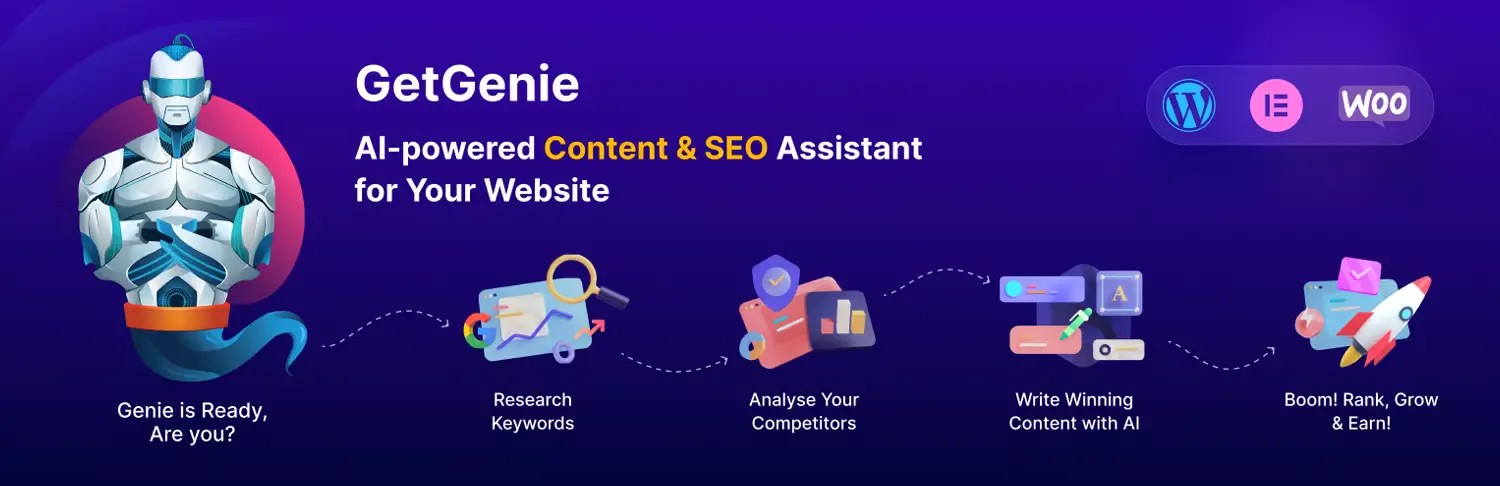
GetGenie combines SERP competitor analysis with AI writing templates inside the block editor and Elementor.
What sets it apart technically is its direct integration with WooCommerce product workflows, allowing bulk generation of short descriptions and attribute tables. It processes SERP scrapers via external endpoints, preventing server IP bans from target sites.
- Best For: WooCommerce store managers updating large product catalogs.
- Server Footprint: Moderate admin dashboard memory footprint (~14MB PHP RAM usage during active analysis).
- Key Limitation: The visual interface can feel crowded inside standard sidebar panels.
6. Alt Text AI

Alt Text AI automates image accessibility by analyzing media library uploads and writing context-aware alt tags.
It hooks into add_attachment actions, sending image metadata to its computer vision API. When we bulk-processed 250 images, the plugin executed the jobs asynchronously in batches of 5, keeping PHP worker utilization under 15%.
- Best For: High-volume blogs and e-commerce stores prioritizing accessibility compliance and image SEO.
- Server Footprint: Virtually zero on frontend; background cron tasks handle bulk processing cleanly.
- Key Limitation: Visual context accuracy drops when processing graphic design assets with heavy embedded text.
7. Uncanny Automator (AI Actions)
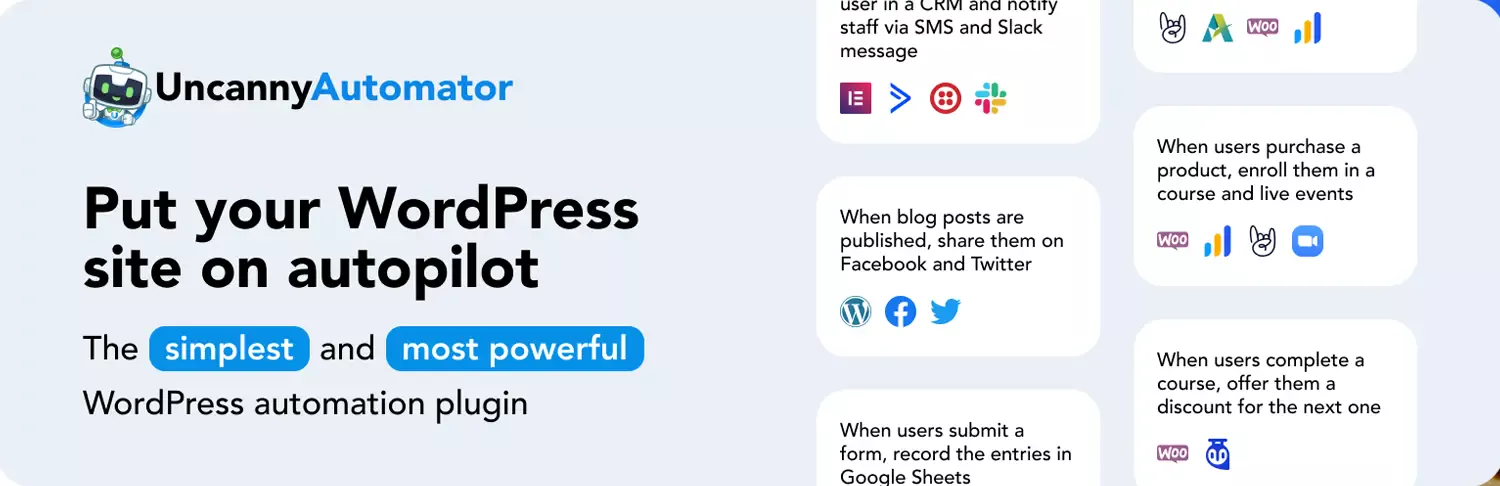
Uncanny Automator acts as an on-premise Zapier for WordPress, connecting over 150 plugins with OpenAI and Claude endpoints.
You can trigger an AI text summary when a user completes a Fluent Form, then automatically publish it to a custom post type. In our stress tests, workflow execution stayed under 45ms per event loop.
- Best For: Complex site automation, membership portals, and automated LMS student notifications.
- Server Footprint: Efficient event-driven architecture, though heavy logging can accumulate in custom database tables over time.
- Key Limitation: Requires setting strict trigger limits to prevent runaway API billing during spam bot submissions.
8. Bit Flows
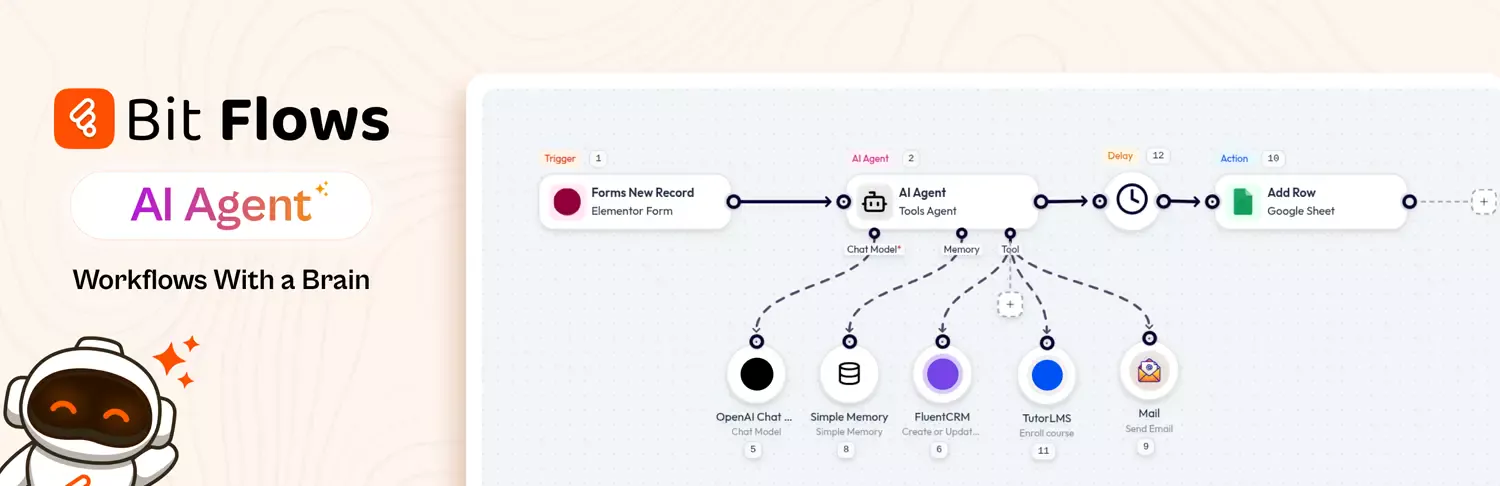
Bit Flows is a visual workflow automation builder that incorporates AI decision nodes into custom WordPress execution paths.
It allows you to branch logic based on sentiment analysis or text classification before data reaches your database. By leveraging native REST endpoints, it maintains clean decoupling from your theme’s rendering engine.
- Best For: Intermediate developers designing custom data processing pipelines without full custom code.
- Server Footprint: Minimal impact; runs on native action hooks with configurable execution delays.
- Key Limitation: Smaller ecosystem of pre-built integrations compared to legacy automation tools.
9. WPBot
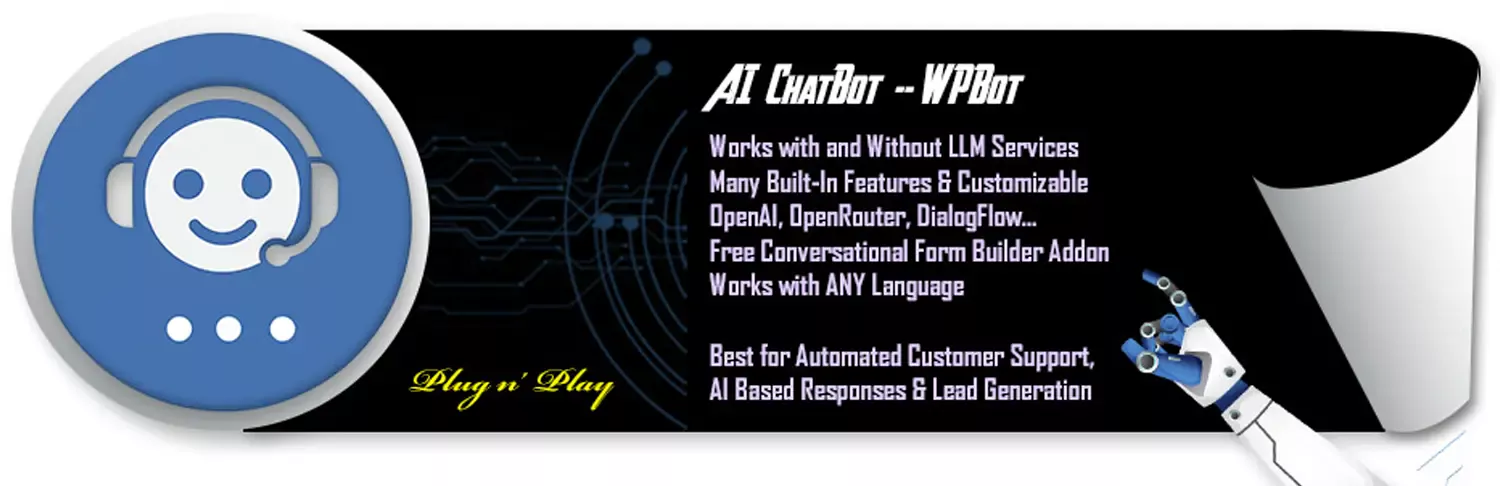
WPBot provides a native, standalone chatbot interface that communicates directly with OpenAI, Gemini, or Dialogflow APIs.
It operates without requiring external subscription platforms, storing operational settings in localized option blocks. We configured WPBot to query custom database tables via REST API, achieving response latency under 650ms.
- Best For: Website owners seeking a self-contained chatbot with no recurring SaaS middleware fees.
- Server Footprint: Moderate; chat histories stored in custom tables can increase database backup sizes if not pruned.
- Key Limitation: Requires manual tuning of prompt instructions to avoid hallucinating policy details.
Common Mistakes to Avoid
- Running API Calls Synchronously on Frontend Page Loads: Never use plugins that fetch AI responses during live HTTP requests. If the API latency spikes, your user’s page load times will mirror that delay, instantly ruining your Largest Contentful Paint (LCP) score.
- Storing Embeddings in Local MySQL Tables: Vector data for search indexing expands rapidly. Storing high-dimensional vectors directly inside
wp_postmetadegrades SQL query performance across your entire site. - Neglecting API Key Usage Limits: Failing to set strict hard caps in your OpenAI or Anthropic console leaves your server vulnerable to API exhaustion attacks if public form inputs trigger LLM calls.
Performance Tips
- Offload Execution to Background Queuing Systems: Ensure your hosting environment supports real system cron jobs (
crontab) and disable default WP-Cron (define('DISABLE_WP_CRON', true);). This ensures AI tasks execute asynchronously without delaying real site visitors. - Enable Redis Object Caching: Cache external API responses locally using Redis. If multiple users trigger similar query prompts, serving the cached response drops execution overhead to near 0ms.
- Monitor Database Transients: Regularly clean expired transients created by content generation plugins using WP-CLI (
wp transient delete --expired) to prevent table bloat inwp_options.
Frequently Asked Questions
Do I need coding knowledge to build a WordPress site?
No. WordPress allows users to build and manage websites without writing code. Most layouts and functionalities can be configured visually through themes and plugins. However, understanding basic HTML/CSS and server principles significantly improves long-term site stability.
How long does it take to learn WordPress professionally?
Basic setup takes a few weeks. Professional-level expertise, including performance optimization, advanced SEO configuration, and security hardening, requires months of structured practice and hands-on production experience.
Is WordPress secure for business websites?
WordPress core is highly secure. Security breaches typically occur due to outdated plugins, weak hosting environments, or poor user permissions. With proper maintenance and firewall configurations, WordPress safely handles enterprise-level traffic.
What hosting type works best for WordPress?
Managed WordPress hosting or cloud VPS environments (like DigitalOcean or AWS) deliver superior performance compared to cheap shared hosting. These environments provide dedicated resources, aggressive server-level caching, and optimized PHP versions.
Can WordPress scale for high traffic?
Yes. With proper object caching (Redis/Memcached), a CDN like Cloudflare, database query optimization, and adequate PHP workers, WordPress can reliably handle millions of page views per month.
How important is site speed for WordPress SEO?
Site speed is a direct Google ranking factor. Poor load times negatively impact Core Web Vitals, increasing bounce rates and reducing crawl efficiency, which directly harms search visibility.
Can I monetize WordPress skills professionally?
WordPress skills are highly monetizable. Revenue streams include freelance development, performance optimization consulting, specialized WooCommerce management, and creating custom plugins or themes.
Final Thoughts
AI integration in WordPress presents a clear technical trade-off: offsite API processing trades minor external network latency for preserved hosting CPU resources, while native database processing risks severe database fragmentation.
This technical setup is ideal for publishing teams and developers seeking to automate repetitive admin operations without sacrificing Core Web Vitals. It is explicitly not for budget shared hosting environments running single-core CPU limits with unmanaged WP-Cron configurations.
Share Post: